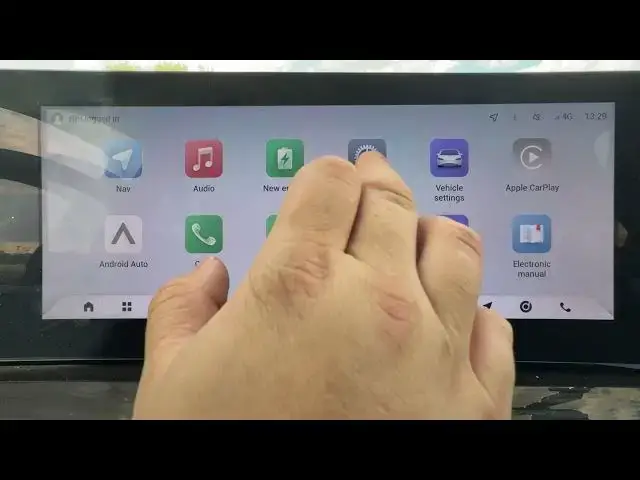

OMODA 5 EV – How to Change Date and Time Manually
Jun 30, 2026

In this video I show how to manually change the date and time on the OMODA 5 EV. If the clock in your car is wrong or you prefer to set date/time yourself, follow these simple steps. We'll open Local Settings, go to System, choose Enter Date and Time Manually, disable "Automatically calibrate" and enter the correct date and time. This quick guide works for OMODA 5 EV infotainment systems and helps you fix the clock in minutes.
How to change date and time manually on OMODA 5 EV?
How to disable automatic time calibration on OMODA 5 EV?
Where is the Local Settings date and time menu on OMODA 5 EV?
0:00 Intro – OMODA 5 EV and what we will do
0:10 Open Local Settings on the display
0:16 Enter System and find "Enter Date and Time Manually"
0:27 Disable "Automatically calibrate" and set date & time manually
0:30 Outro – Like, comment and subscribe
#OMODA5EV #OMODA #CarSettings #DateAndTime
Find out more:
https://www.hardreset.info/devices/omoda/omoda-5-ev/
Follow us on Instagram ► https://www.instagram.com/hardreset.info
Like us on Facebook ► https://www.facebook.com/hardresetinfo/
Tweet us on Twitter ► https://twitter.com/HardResetI
Show More Show Less #Science