
INFINIX Note 60 – How to Clone Apps with xClone
Jun 30, 2026

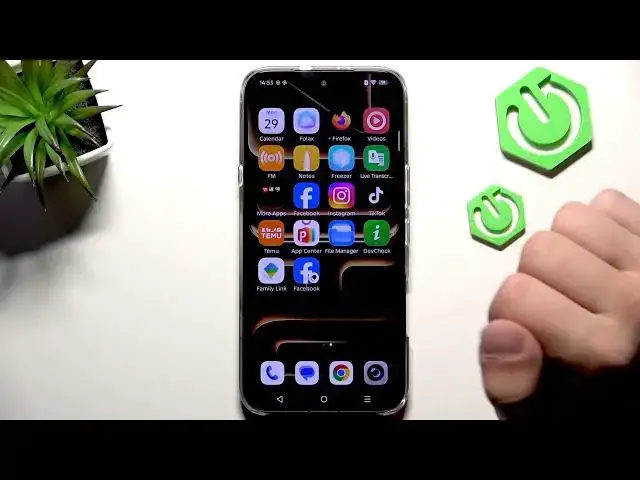
In this short video I show how to clone an app on the INFINIX Note 60 using the built-in xClone feature. You will learn where to find xClone in Settings, how to pick an app to clone (Facebook in the example), how the cloned app installs and appears on the home screen, and how to use separate accounts on the original and cloned apps. This quick step-by-step demonstration is perfect for users who want two instances of social, messaging or shopping apps without third-party tools.
How to clone app on INFINIX Note 60 using xClone?
How to use two accounts on INFINIX Note 60 cloned apps?
Where is xClone in INFINIX Note 60 settings?
0:00 Intro
0:05 Open Settings → App management → xClone
0:16 Select app to clone and enable (example: Facebook)
0:26 Cloned app installs and appears on home screen
0:35 Original vs cloned app — use separate accounts
0:40 Outro and tips
#Infinix #InfinixNote60 #CloneApps #xClone
Find out more:
https://www.hardreset.info/devices/infinix/infinix-note-60/
Follow us on Instagram ► https://www.instagram.com/hardreset.info
Like us on Facebook ► https://www.facebook.com/hardresetinfo/
Show More Show Less #Science