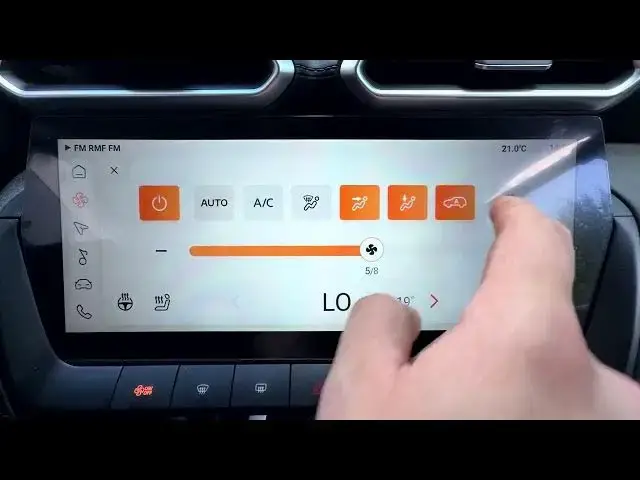

MG ZS - How to Change Air Volume in Auto Mode
Jun 30, 2026

In this short video you'll learn how to change the air volume in Auto Mode on the MG ZS. We show how to open the Climate Control panel, go to Settings, and switch the fan between Low, Medium and High while Auto Mode is active. These quick steps let you keep cabin comfort without manually adjusting fan speed. Perfect for new MG ZS owners and anyone who wants a fast, clear walkthrough of the climate controls on this model.
How to change air volume in Auto Mode on MG ZS?
How to set the fan level in Auto Mode on MG ZS?
How to open the Climate Control panel on MG ZS?
0:00 Intro - MG ZS and video overview
0:07 Open Climate Control panel
0:21 Go to Settings and choose Low / Medium / High
0:26 Quick tip and wrap up
#MGZS #MG #ClimateControl #AutoMode
Find out more:
https://www.hardreset.info/devices/mg/mg-zs/
Follow us on Instagram ► https://www.instagram.com/hardreset.info
Like us on Facebook ► https://www.facebook.com/hardresetinfo/
Tweet us on Twitter ► https://twitter.com/HardResetI
Support us on TikTok ► https://www.tiktok.com/@hardreset.info
Show More Show Less #Science