
How to Reset App Preferences on INFINIX Note 60 Pro
Jun 30, 2026

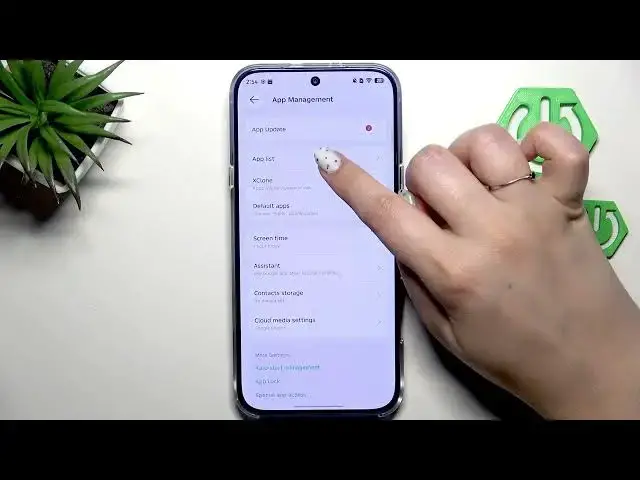
In this short video I show how to reset App Preferences on the INFINIX Note 60 Pro. You will learn where to find the setting, how to open App Management and App List, what options are reset (disabled app notifications, permission restrictions, default apps) and that you will not lose any app data. This quick, clear walkthrough helps you restore default app behavior and fix notification or permission problems on your INFINIX Note 60 Pro.
How to reset app preferences on INFINIX Note 60 Pro?
How do I restore default app settings on INFINIX Note 60 Pro?
Will resetting app preferences delete data on INFINIX Note 60 Pro?
0:00 Intro
0:08 Open Settings and go to App Management
0:20 Open App List and tap the three dots
0:28 Choose Reset App Preferences and review what will be reset
0:37 Confirm by tapping Reset Apps (no app data will be removed)
0:43 Done — tips and outro
#Infinix #InfinixNote60Pro #ResetAppPreferences #AndroidTips
Find out more:
https://www.hardreset.info/devices/infinix/infinix-note-60-pro/reset-app-preferences/
Follow us on Instagram ► https://www.instagram.com/hardreset.info
Like us on Facebook ► https://www.facebook.com/hardresetinfo/
Show More Show Less #Science