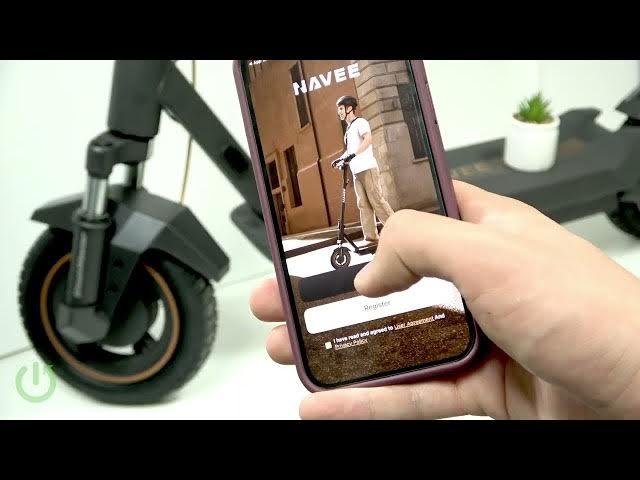

NAVEE GT3 Max - Pair with NAVEE App via Bluetooth
Jun 10, 2026

This video shows how to pair the NAVEE GT3 Max electric scooter with the NAVEE App using Bluetooth. You will learn how to install the NAVEE application on Android or iPhone, scan the QR code on the scooter display, register or sign in, and link the GT3 Max. The guide covers Play Store and App Store steps, powering on the scooter, searching for nearby devices, allowing permissions like location, and confirming the scooter appears in the app — a quick and clear walkthrough for new owners.
How to pair NAVEE GT3 Max with NAVEE App via Bluetooth?
How to install NAVEE App on Android or iPhone for NAVEE GT3 Max?
How to link NAVEE GT3 Max to the app if the QR code won't scan?
0:00 Intro – what we’ll show
0:10 Find the QR code on the scooter display
0:30 Scan QR and open Play Store / App Store
1:00 Install NAVEE App and register or sign in
1:40 Tap "Link my device" in the app
2:10 Turn on the NAVEE GT3 Max and enable pairing
2:40 Select GT3 Max, allow permissions and link
3:00 Confirm scooter appears in the app – finished
#NAVEE #NAVEEGT3Max #ElectricScooter #BluetoothPairing
Find out more:
https://www.hardreset.info/devices/navee/navee-gt3-max/
Show More Show Less #Science