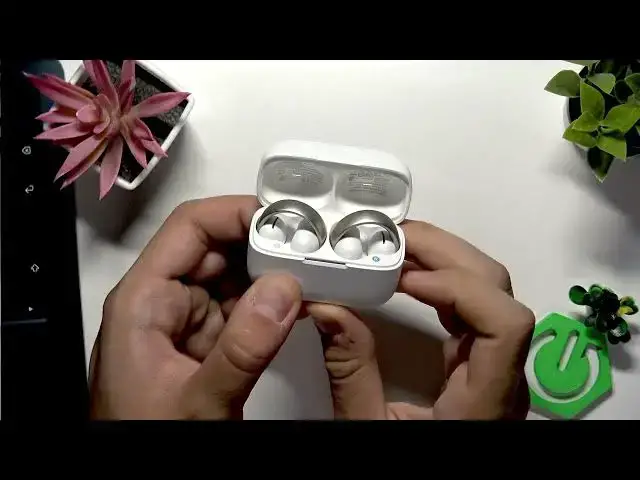

How to Enter Pairing Mode on SOUNDCORE AeroClip
Jul 1, 2026

In this short video you'll learn how to enter pairing mode on the SOUNDCORE AeroClip earbuds. This quick and simple guide shows the exact steps so you can connect your AeroClip to any phone or Bluetooth device. The steps are easy to follow and designed for users of Android and iPhone. By the end you'll know how to get both earbuds ready for pairing in just a few seconds.
How to enter pairing mode on SOUNDCORE AeroClip?
How to pair SOUNDCORE AeroClip with Android or iPhone?
Where is the pairing button on SOUNDCORE AeroClip case?
0:00 Intro
0:05 Put both earbuds in the case
0:10 Open the case and locate the button
0:12 Press and hold the case button for 3 seconds
0:20 Pairing mode active – ready to connect
0:28 Outro
#SOUNDCORE #AeroClip #PairingMode #Bluetooth
Find out more:
https://www.hardreset.info/devices/soundcore/soundcore-aeroclip/enter-pairing-mode/
Follow us on Instagram ► https://www.instagram.com/hardreset.info
Like us on Facebook ► https://www.facebook.com/hardresetinfo/
Show More Show Less #Science