
MITSUBISHI Outlander IV – How to Change Keyboard Layout
Jun 30, 2026

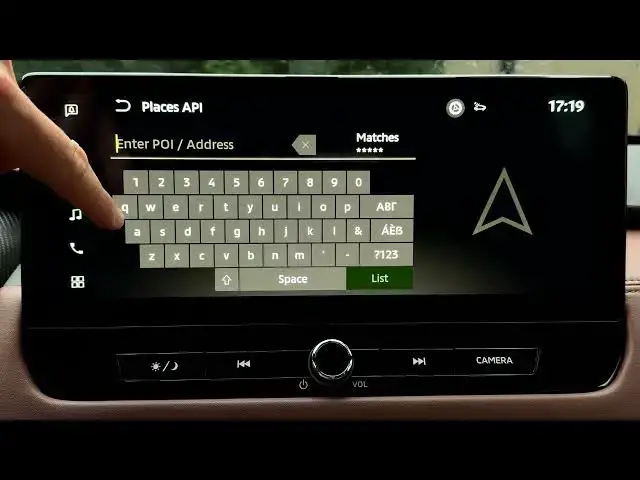
In this short video I show how to change the keyboard layout on the MITSUBISHI Outlander IV infotainment system. You will learn how to open Settings from the home screen, enter System settings, select Keyboard type and switch between QWERTY and ABC layouts used for typing navigation addresses or searching contacts. These quick steps help you pick the layout that is easiest to use while parked and make typing in the car faster and less frustrating.
How to change keyboard layout on MITSUBISHI Outlander IV?
How to switch to QWERTY keyboard on MITSUBISHI Outlander IV?
Where is the Keyboard Type setting in MITSUBISHI Outlander IV infotainment?
0:00 Introduction
0:05 Open home screen and tap Settings
0:14 Enter System settings
0:23 Select Keyboard type
0:37 What QWERTY and ABC layouts do
0:54 Demo: QWERTY in navigation search
1:05 Switch to ABC and test
1:27 Switch back to QWERTY and finish
#MitsubishiOutlanderIV #OutlanderIV #CarInfotainment #KeyboardLayout
Find out more:
https://www.hardreset.info/devices/mitsubishi/mitsubishi-outlander-iv/
Show More Show Less #Science