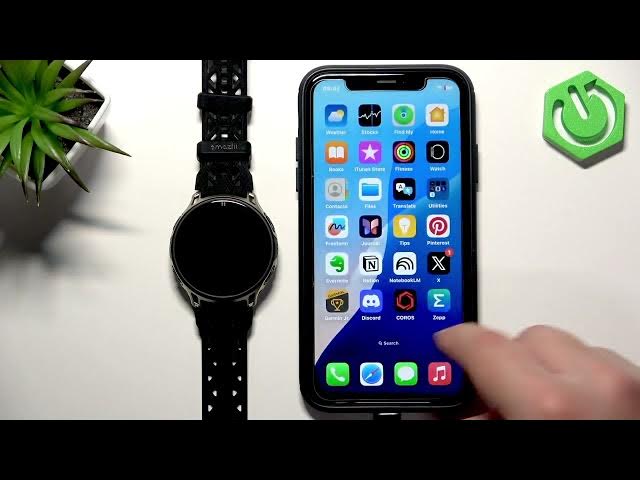

AMAZFIT Cheetah 2 Pro – How to Unpair from iPhone
Jun 10, 2026

In this video we show step-by-step how to unpair the AMAZFIT Cheetah 2 Pro from an iPhone. You will learn how to open the Amazfit/Zepp app, go to the device page, choose which data to keep on the watch, tap Unpair, and then remove the watch from iPhone Bluetooth (Forget This Device) so the watch fully resets and is ready to pair with another phone. This is useful when you want to sell, gift, switch phones, or simply reconnect the watch to a new account. The steps are simple and work on iPhone iOS Bluetooth settings and the Amazfit pairing flow.
How to unpair AMAZFIT Cheetah 2 Pro from iPhone?
How to remove AMAZFIT Cheetah 2 Pro from iPhone Bluetooth list?
How to reset AMAZFIT Cheetah 2 Pro before selling or pairing with another phone?
0:00 Intro
0:09 Why unpair the AMAZFIT Cheetah 2 Pro
0:28 Open the Amazfit/Zepp app and go to Device page
0:39 Choose data to keep and tap Unpair
1:18 Go to iPhone Settings → Bluetooth and Forget This Device
1:41 Watch reset complete – ready to pair with another phone
#AMAZFIT #Cheetah2Pro #Unpair #iPhone
Find out more:
https://www.hardreset.info/devices/amazfit/amazfit-cheetah-2-pro/how-to-unpair-from-iphone/
Follow us on Instagram ► https://www.instagram.com/hardreset.info
Like us on Facebook ► https://www.facebook.com/hardresetinfo/
Show More Show Less #Science