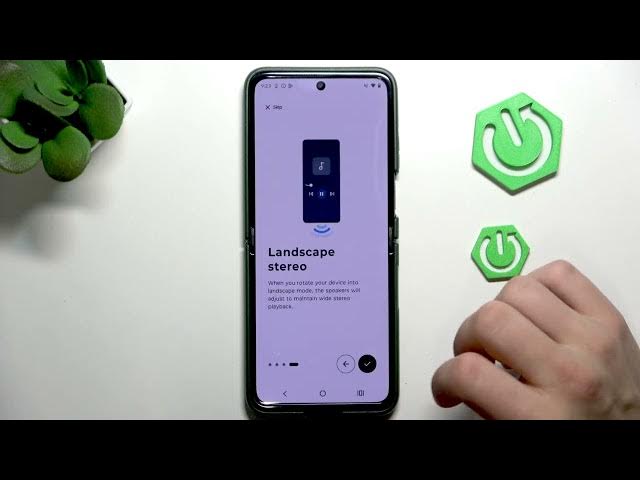

MOTOROLA Razr 70 Plus – Dolby Atmos & Sound Settings
Jun 7, 2026

Learn how to set up and fine-tune sound on your MOTOROLA Razr 70 Plus. This video shows how to find Sound & vibration in Settings, open the Dolby Atmos setup, enable Dolby Atmos, choose stereo or custom audio, and turn on Spatial Audio. You’ll also see quick toggles for dial pad tones, screen locking sound, tap & click and screenshot sound so your phone sounds exactly how you want.
How to enable Dolby Atmos on MOTOROLA Razr 70 Plus?
How to customize sound settings on MOTOROLA Razr 70 Plus?
Where is Dolby Atmos in MOTOROLA Razr 70 Plus settings?
0:00 Intro
0:06 Open Settings → Sound & Vibration
0:21 Open Dolby Atmos
0:30 Enable Dolby Atmos
0:42 Audio modes: Stereo, Custom, Spatial Audio
0:56 Other sound toggles: dial pad, lock sound, tap & click, screenshot
1:19 Outro
#Motorola #Razr70Plus #DolbyAtmos #SoundSettings
Find out more:
https://www.hardreset.info/devices/motorola/motorola-razr-70-plus/
Follow us on Instagram ► https://www.instagram.com/hardreset.info
Show More Show Less #Science