
HMD Arc — Set Up Bluetooth & Pair Wireless Headphones
Jun 3, 2026

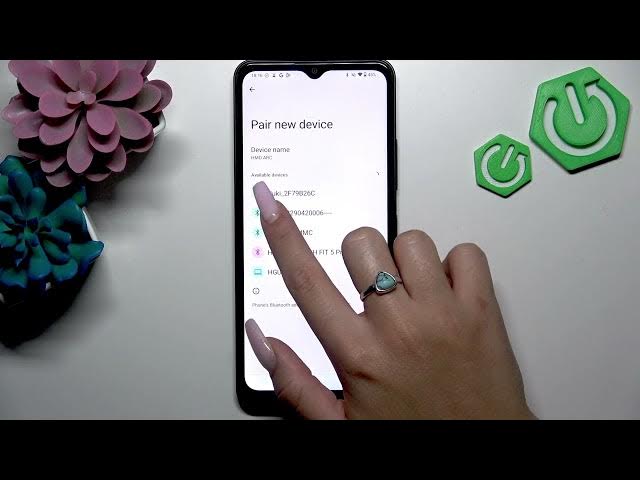
In this video we show how to enable Bluetooth and pair wireless headphones on the HMD Arc phone. You will learn how to check Bluetooth in Quick Settings, open Settings → Connected devices, use Pair new device, put your headset into pairing mode, and select the headphones to connect. This step-by-step guide works for most Bluetooth headsets, earbuds, and wireless headphones and includes simple tips if your device does not appear in the list.
How to set up Bluetooth on HMD Arc?
How to pair wireless headphones with HMD Arc?
How to put my headphones in pairing mode for HMD Arc?
0:00 Intro – What we will do
0:10 Check Bluetooth in Quick Settings
0:26 Open Settings → Connected devices
0:33 Tap Pair new device
0:39 Put your headphones in pairing mode (hold power or Bluetooth button)
0:56 Select the headphones from Available devices and connect
1:21 Connected status and outro
#HMDArc #Bluetooth #Pairing #WirelessHeadphones
Find out more:
https://www.hardreset.info/devices/hmd/hmd-arc/
Follow us on Instagram ► https://www.instagram.com/hardreset.info
Show More Show Less #Science