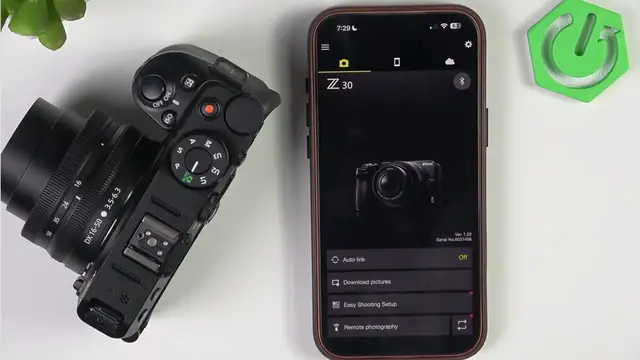

NIKON Z30 – How to Fix Not Connecting to SnapBridge
Jun 3, 2026

Having trouble connecting your NIKON Z30 to the SnapBridge app? In this video I show simple, step-by-step fixes that worked for me: enable Bluetooth on the camera, restart the camera (remove the battery briefly), forget pairings on both camera and phone, reinstall the SnapBridge app and grant permissions, then follow the correct pairing flow (Bluetooth pairing first, then enable camera Wi‑Fi to download pictures or use remote shooting). I also explain when to reset all camera settings as a last resort. These tips cover iPhone and Android and help with pairing codes, app permissions, and common connection errors so you can reconnect quickly and reliably.
How to fix NIKON Z30 not connecting to SnapBridge app?
How to pair NIKON Z30 with SnapBridge using Bluetooth?
How to download pictures from NIKON Z30 to SnapBridge and enable camera Wi-Fi?
0:00 Introduction
0:19 Check and enable Bluetooth on the NIKON Z30 (menu path)
0:57 Restart the camera and remove the battery briefly
1:29 Forget paired devices on camera and phone
2:32 Uninstall and reinstall the SnapBridge app, allow permissions
4:07 Pairing via Bluetooth: start pairing on camera and select Z30 in app
5:11 Enable camera Wi‑Fi, join network, download pictures and use remote shooting
6:16 Final troubleshooting tips and reset settings as last resort
#NIKONZ30 #SnapBridge #CameraTips #Bluetooth
Find out more:
https://www.hardreset.info/devices/nikon/nikon-z30/
Show More Show Less #Science