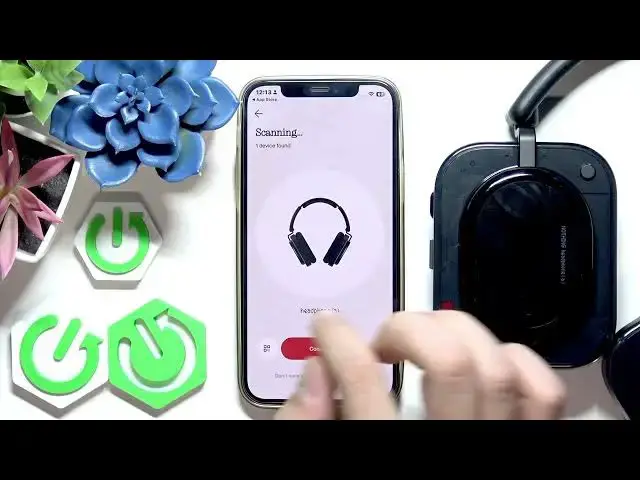

NOTHING Headphone (a) – Install and Set Up NOTHINGX App on iPhone
Jun 15, 2026

In this short video you'll learn how to install and set up the NOTHINGX app on your iPhone for the NOTHING Headphone (a). We walk through opening the App Store, searching for NOTHINGX, tapping GET, authorizing with Face ID/Touch ID or Apple ID password, opening the app, and adding your headphones. You will see how to scan and connect a new device, plus quick pairing tips if your headphones are not already paired. This guide is designed for iPhone users who want a fast, clear setup for Nothing Headphone (a) and the NOTHINGX app.
How to install the NOTHINGX app on iPhone?
How to pair NOTHING Headphone (a) with an iPhone?
How to add NOTHING Headphone (a) in the NOTHINGX app?
0:00 Introduction
0:11 Open App Store & search NOTHINGX
0:25 Tap GET and authorize (Face ID / Touch ID / Apple ID)
0:53 Open NOTHINGX app – My Devices view
1:11 Add new device – scanning and connect
1:25 Pairing tips if your headphones are not detected
1:40 Outro and final notes
#NothingHeadphone #NOTHINGX #iPhone #HeadphonesSetup
Find out more:
https://www.hardreset.info/devices/nothing/nothing-headphone-a/install-and-set-app-iphone/
Follow us on Instagram ► https://www.instagram.com/hardreset.info
Show More Show Less #Science