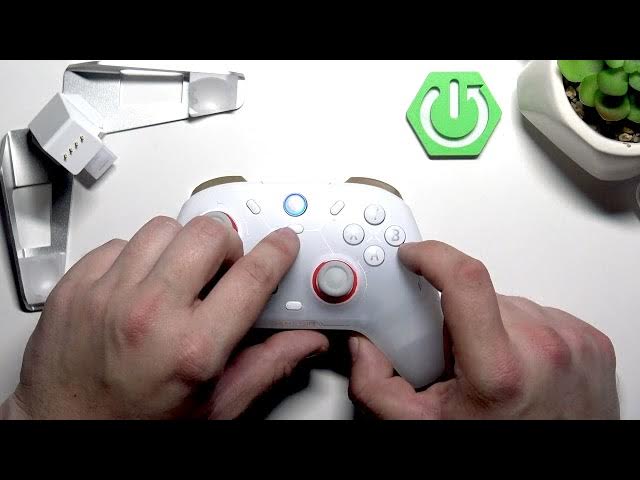

GameSir Cyclone 2 – How to Connect to PC
May 28, 2026

In this video I show three easy ways to connect the GameSir Cyclone 2 controller to your PC: USB cable, Bluetooth pairing, and the 2.4 GHz wireless adapter (with or without the charging dock). You will learn which buttons to press for pairing, how to use the charging dock and adapter, and quick tips to get plug-and-play on Windows. This guide is short, clear, and perfect if you just want to start gaming quickly with GameSir Cyclone 2 on PC.
How to connect GameSir Cyclone 2 to PC via USB?
How to pair GameSir Cyclone 2 with PC via Bluetooth?
How to use the GameSir Cyclone 2 2.4 GHz adapter with the charging dock on PC?
0:00 Intro – what we will cover
0:08 Overview – three connection methods
0:16 USB connection – plug the USB cable to PC and controller
0:24 Bluetooth pairing – hold GameSir button + B to enter pairing mode
0:33 2.4 GHz adapter (with charging dock) – connect adapter to dock and USB to PC
0:50 2.4 GHz adapter (without dock) – plug adapter into PC and hold X + GameSir to pair
0:58 Outro – tips, like, comment, subscribe
#GameSir #Cyclone2 #GameController #PCGaming
Find out more:
https://www.hardreset.info/devices/gamesir/gamesir-cyclone-2/
Follow us on Instagram ► https://www.instagram.com/hardreset.info
Show More Show Less #Science