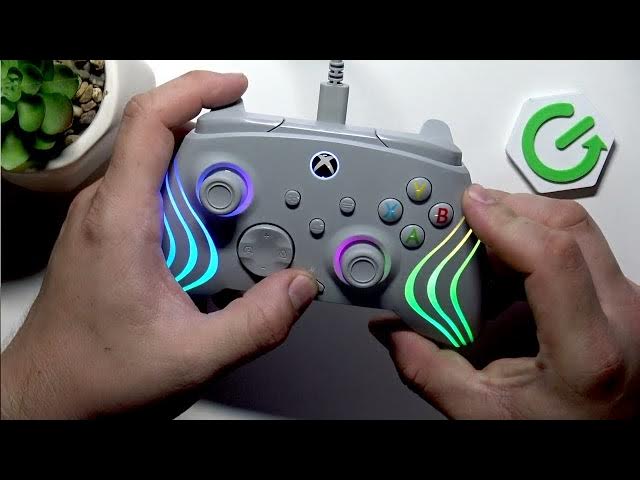

TURTLE BEACH Afterglow Wave – How to Program Back Buttons
Jun 9, 2026

In this short video you will learn how to program the back buttons on the TURTLE BEACH Afterglow Wave controller step by step. I show how to enter programming mode, map any front or rear button to a back paddle, and confirm the mapping using the controller LEDs. This quick method requires no app or PC — just the controller buttons. Perfect for remapping back paddles, creating shortcuts, and improving your gameplay controls on TURTLE BEACH Afterglow Wave.
How to program back buttons on TURTLE BEACH Afterglow Wave?
How to remap back buttons on TURTLE BEACH Afterglow Wave controller?
How to confirm a back button mapping on TURTLE BEACH Afterglow Wave?
0:00 Introduction and device overview
0:09 Enter programming mode – hold the Function button and press the back button you want to map
0:21 Assign the new button – press any button to assign to the back button
0:32 Confirmation – LED will flash three times to show the mapping is saved
0:39 Quick tips and test the mapping
0:44 Outro – like, comment and subscribe
0:51 Thank you
#TurtleBeach #AfterglowWave #ControllerRemap #BackButtons
Find out more:
https://www.hardreset.info/devices/turtle-beach/turtle-beach-afterglow-wave/
Follow us on Instagram ► https://www.instagram.com/hardreset.info
Show More Show Less #Science