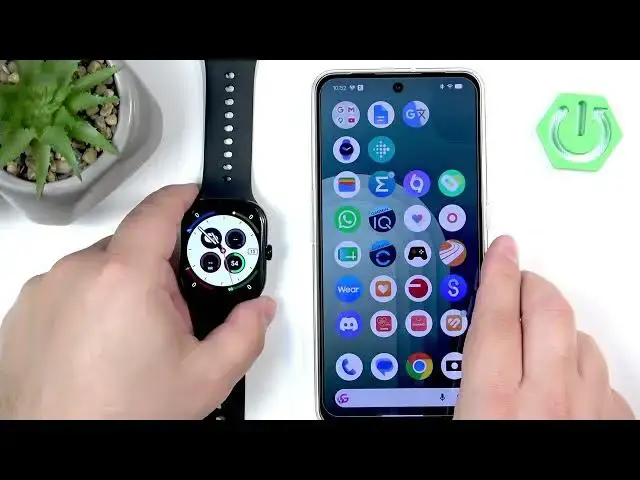

VIVO Watch GT 2 – How to Track Calories
Jun 15, 2026

This video shows how to track calories burned with the VIVO Watch GT 2. You will learn three simple ways to view calories: directly on some watch faces, by using the Activity widget (swipe left), and in the paired phone app (Vivo Health on iPhone or Origin Health on Android). The video also explains how to wake the watch (press the crown button) and where to find daily, weekly, monthly and yearly calorie graphs so you can monitor progress over time.
How to track calories on VIVO Watch GT 2?
How to see calories burned on VIVO Watch GT 2 using Origin Health or Vivo Health?
How to view daily, weekly and monthly calories on VIVO Watch GT 2?
0:00 Introduction
0:12 Wake the watch (press the crown button)
0:26 Check calories on the watch face
0:40 Open Activity widget – swipe left to view calories
1:04 View calories in Vivo Health (iPhone) or Origin Health (Android)
1:40 Wrap up and tips
#VIVOWatchGT2 #Calories #FitnessTracking #VivoHealth
Find out more:
https://www.hardreset.info/devices/vivo/vivo-watch-gt-2-bluetooth/how-to-track-calories/
Follow us on Instagram ► https://www.instagram.com/hardreset.info
Like us on Facebook ► https://www.facebook.com/hardresetinfo/
Show More Show Less #Science