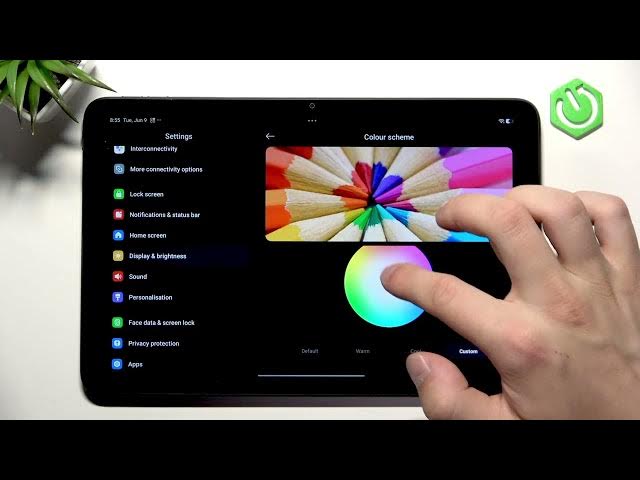

REDMI Pad 2 4G – How to Change Display Settings
Jun 10, 2026

In this video I show all the display settings on the REDMI Pad 2 4G and how to customize brightness, dark mode, color scheme, reading mode, refresh rate and fonts. You will learn how to enable automatic brightness, use outdoor mode, schedule dark or reading modes, choose vivid or custom colors, and pick the best refresh rate to balance smoothness and battery life. Follow along to optimize your REDMI Pad 2 4G screen for comfort and performance.
How to change display settings on REDMI Pad 2 4G?
How to enable reading mode on REDMI Pad 2 4G?
How to change refresh rate on REDMI Pad 2 4G?
0:00 Intro
0:06 Open Settings & Display
0:20 Dark mode and schedules
0:37 Brightness, auto-brightness and Outdoor mode
0:57 Color scheme and custom colors
1:20 Reading mode (Cycle / Classic) and schedule
1:41 Refresh rate options and font settings
2:16 Ending & tips
#REDMIPad2 #DisplaySettings #AndroidTablet #HowTo
Find out more:
https://www.hardreset.info/devices/redmi/redmi-pad-2-4g/
Show More Show Less #Science