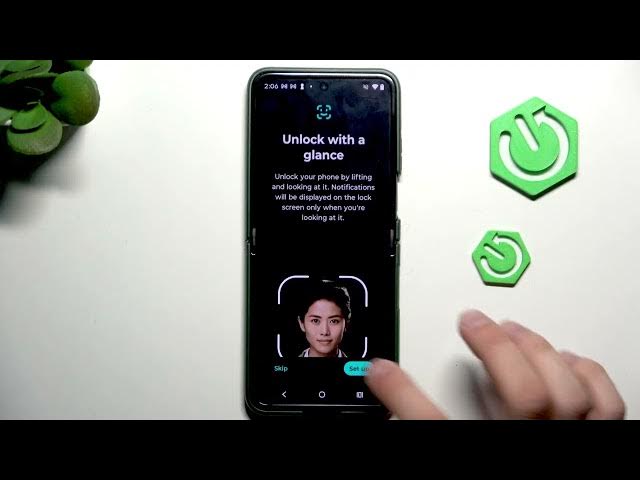

MOTOROLA Razr 70 Plus - How to Set Up Biometric Security (Face & Fingerprint)
Jun 7, 2026

Learn how to set up biometric security on your MOTOROLA Razr 70 Plus. In this video we walk you step-by-step through Settings → Security & privacy → Device unlock → Face and fingerprint unlock. You’ll learn how to create a backup screen lock (PIN), register face unlock with re-auth options, and add fingerprints using the side sensor. We also share practical tips like lifting the phone, touching and lifting the sensor during scans, and using multiple finger placements so recognition is reliable.
How to set up biometric security on MOTOROLA Razr 70 Plus?
How to enable face unlock on MOTOROLA Razr 70 Plus?
How to add a fingerprint on MOTOROLA Razr 70 Plus?
0:00 Intro
0:06 Open Settings → Security & privacy
0:22 Set backup screen lock (PIN)
0:37 Face unlock setup & options (re-auth every 4 hours)
1:03 Fingerprint setup & sensor location
1:24 Fingerprint tips: touch/lift and multiple placements
1:42 Test unlock and finish
#Motorola #Razr70Plus #BiometricSecurity #FingerprintUnlock
Find out more:
https://www.hardreset.info/devices/motorola/motorola-razr-70-plus/
Follow us on Instagram ► https://www.instagram.com/hardreset.info
Show More Show Less #Science