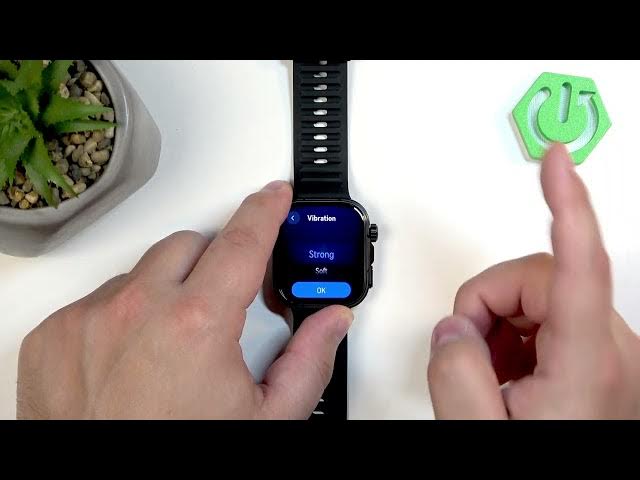

HUAWEI Watch Fit 5 Pro – How to Change Vibration Intensity
Jun 7, 2026

In this video I show how to change the vibration intensity on the HUAWEI Watch Fit 5 Pro. You will learn how to open Settings (press the Crown), go to Sound & Vibration, find Vibrations and choose Off, Soft or Strong. I also show how to apply the setting and use a custom alarm vibration pattern. This quick guide helps you make notifications and alarms louder or quieter so you never miss an alert or can set your watch to be discreet.
How to change vibration intensity on HUAWEI Watch Fit 5 Pro?
How to set vibration strength on HUAWEI Watch Fit 5 Pro?
How to turn off vibration on HUAWEI Watch Fit 5 Pro?
0:00 Intro
0:06 Wake the watch & open the menu (press Crown)
0:20 Open Settings and go to Sound & Vibration
0:35 Tap Vibrations and review options
0:50 Choose Off, Soft or Strong and tap OK
1:05 Custom pattern for alarms (optional)
1:15 Wrap up and subscribe
#HuaweiWatchFit5Pro #VibrationIntensity #SmartwatchTips #HuaweiWatch
Find out more:
https://www.hardreset.info/devices/huawei/huawei-watch-fit-5-pro/change-vibration-intensity/
Follow us on Instagram ► https://www.instagram.com/hardreset.info
Show More Show Less #Science