
How to Unpair VIVO Watch GT 2 from Android Phone
Jun 15, 2026

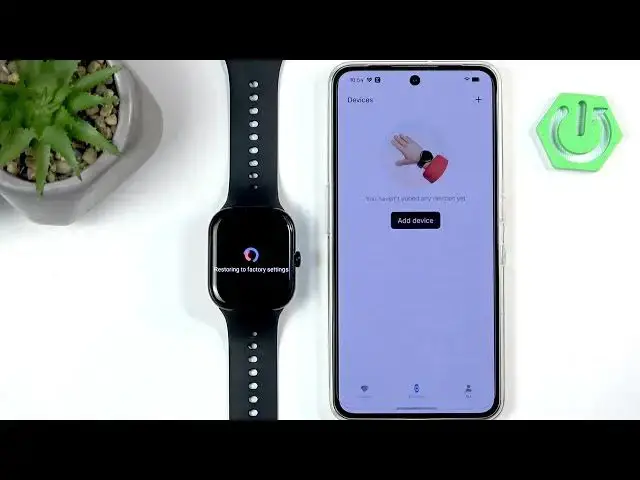
In this short video we show how to unpair the VIVO Watch GT 2 from an Android phone using the Origin Health app. You will learn where to open the app, find the Devices list, tap More features and use Unpair. The watch will reset to factory defaults and show the language selection screen when the process is complete. This removes the Bluetooth connection so you can pair the watch with another phone or troubleshoot pairing issues. The steps are simple, fast, and work on most Android phones that use the Origin Health app to manage VIVO watches.
How to unpair VIVO Watch GT 2 from Android phone?
How to remove VIVO Watch GT 2 from Origin Health app?
How to factory reset VIVO Watch GT 2 after unpairing?
0:00 Intro and what you'll need
0:10 Open the Origin Health app
0:20 Tap Devices and select VIVO Watch GT 2
0:28 Scroll to More features and tap Unpair
0:40 Watch resets and shows language list (factory default)
0:50 Finished — watch is ready to pair with another phone
#VIVOWatchGT2 #Unpair #Bluetooth #OriginHealthApp
Find out more:
https://www.hardreset.info/devices/vivo/vivo-watch-gt-2-bluetooth/how-to-unpair-from-android-phone/
Follow us on Instagram ► https://www.instagram.com/hardreset.info
Like us on Facebook ► https://www.facebook.com/hardresetinfo/
Show More Show Less #Science