
How to Add Workout on AMAZFIT Cheetah 2 Pro
Jun 10, 2026

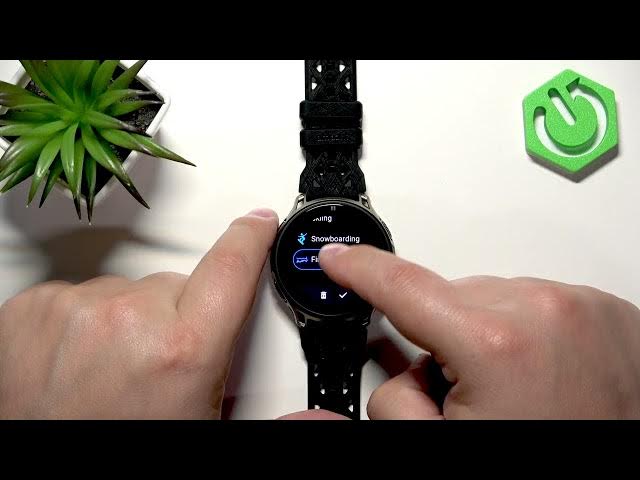
In this short video you will learn how to add a workout to the AMAZFIT Cheetah 2 Pro workout menu. We show how to open the workout list, enter Edit mode, use the + button to pick an activity from categories, move it up or down in the list, confirm the change and where to find the new workout. The clip also covers removing and reordering workouts so your favorite activities are always easy to access on your AMAZFIT Cheetah 2 Pro.
How to add a workout on AMAZFIT Cheetah 2 Pro?
How to remove or reorder workouts on AMAZFIT Cheetah 2 Pro?
Where is the workout menu on AMAZFIT Cheetah 2 Pro?
0:00 Intro
0:12 Open the workout menu (swipe right on home screen)
0:23 Enter Edit mode and tap + to add a workout
0:45 Browse categories and select the workout
0:51 Move and position the workout in the list
1:03 Tap the checkmark to confirm and view it in the menu
1:09 How to remove a workout and reorder items
1:29 Outro / subscribe
#AMAZFIT #Cheetah2Pro #Workouts #Smartwatch
Find out more:
https://www.hardreset.info/devices/amazfit/amazfit-cheetah-2-pro/add-workout/
Show More Show Less #Science