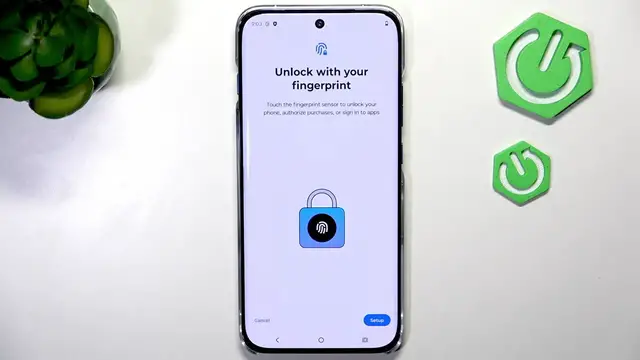

MOTOROLA Edge 70 Pro – How to Set Up Fingerprint & Face Unlock
Jun 14, 2026

Learn how to set up biometric security on the MOTOROLA Edge 70 Pro. In this video we walk through Settings → Security & Privacy → Device unlock, show how to register a fingerprint using the in-screen sensor, and demonstrate face unlock including enabling Lift to unlock and Skip lock screen options. You will see PIN confirmation, tips for scanning (move your finger and change position while registering), and advice on scanning with glasses for best results. This clear step-by-step guide helps you secure your phone quickly and reliably with both fingerprint and face recognition.
How to set up fingerprint on MOTOROLA Edge 70 Pro?
How to enable face unlock on MOTOROLA Edge 70 Pro?
How to use Lift to unlock on MOTOROLA Edge 70 Pro?
0:00 Intro
0:07 Open Settings → Security & Privacy → Device unlock
0:20 Select Face & Fingerprint unlock and confirm PIN
0:28 Start fingerprint setup – find sensor and tap multiple times
0:41 Fingerprint registration tips (change finger position)
0:59 Fingerprint saved – quick lock test
1:06 Add face unlock – confirm PIN and start scan
1:36 Enable Lift to unlock and Skip lock screen options
1:58 Scan tips (glasses, lighting) and final test
2:08 Wrap up and closing
#MotorolaEdge70Pro #Motorola #FingerprintUnlock #FaceUnlock
Find out more:
Show More Show Less #Science