
LENOVO Yoga Slim 7 – How to Check Battery Health
Jun 15, 2026

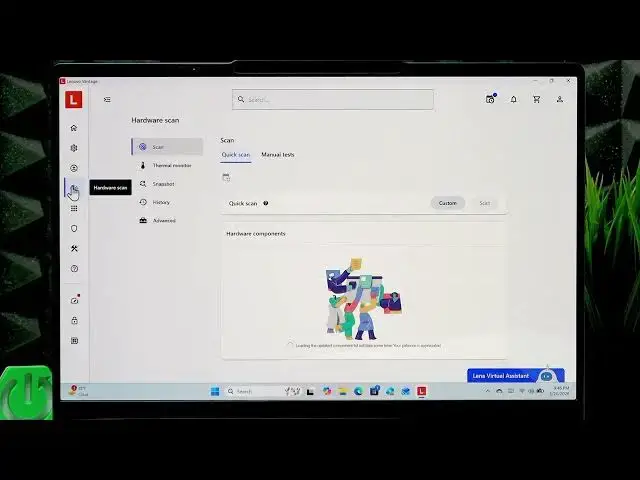
In this video you will learn how to check battery health on your LENOVO Yoga Slim 7 using the Lenovo Vantage app. I show how to open or download Lenovo Vantage, run a Hardware Scan with the Custom option, select the battery, start the scan, and read the Battery Capacity Remaining and Battery Health result so you know if your battery needs replacement or is still healthy.
How to check battery health on LENOVO Yoga Slim 7 using Lenovo Vantage?
How to run a Hardware Scan and check battery capacity remaining on LENOVO Yoga Slim 7?
How to download and install Lenovo Vantage from Microsoft Store on LENOVO Yoga Slim 7?
0:00 Intro – what we will check
0:06 Open Lenovo Vantage on your Yoga Slim 7
0:19 Download Lenovo Vantage from Microsoft Store (if missing)
0:30 Go to Hardware Scan and choose Custom
0:41 Select Battery checkbox and click Scan
0:58 Read Battery Capacity Remaining and Health status
1:19 Conclusion and subscribe
#Lenovo #YogaSlim7 #BatteryHealth #LenovoVantage
Find out more:
https://www.hardreset.info/devices/lenovo/lenovo-yoga-slim-7/check-battery-health/
Follow us on Instagram ► https://www.instagram.com/hardreset.info
Show More Show Less #Science