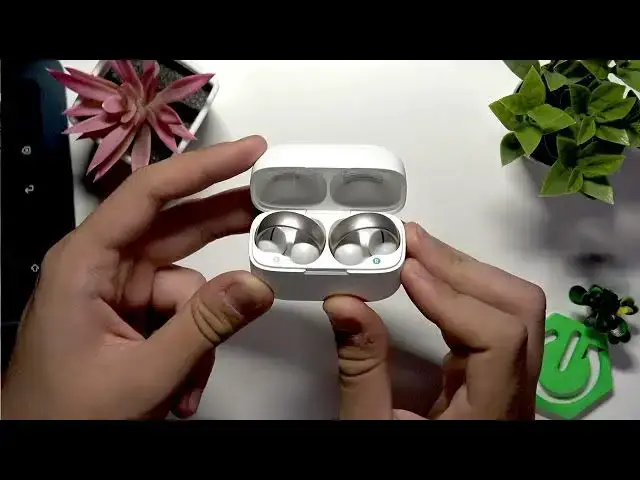

SOUNDCORE AeroClip – How to Factory Reset
Jul 1, 2026

In this short video you will learn how to perform a factory reset on the SOUNDCORE AeroClip earbuds and case. I show each simple step: place both earbuds into the charging case, close the lid, then press and hold the button near the charging port for about 10 seconds while watching the LED. The pairing LED will flash and a steady red LED confirms the factory reset. This clears saved Bluetooth pairings and can fix connection or audio issues so you can re-pair your AeroClip with a phone or other device.
How to factory reset SOUNDCORE AeroClip?
How to reset SOUNDCORE AeroClip earbuds and case?
How to fix pairing issues on SOUNDCORE AeroClip by factory resetting?
0:00 Intro
0:05 Put both earbuds into the case
0:17 Close the case and press the button near the charging port
0:26 Keep holding and watch the LED / pairing mode
0:32 Red LED confirms factory reset
0:48 Finish and re-pair your devices
#Soundcore #AeroClip #FactoryReset #Earbuds
Find out more:
https://www.hardreset.info/devices/soundcore/soundcore-aeroclip/hardreset-second-method/
Follow us on Instagram ► https://www.instagram.com/hardreset.info
Like us on Facebook ► https://www.facebook.com/hardresetinfo/
Show More Show Less #Science