
XIAOMI 17T Pro – Speaker Not Working? How to Fix
Jun 14, 2026

Having trouble with the speaker on your XIAOMI 17T Pro? In this video we show simple, fast checks and fixes you can do at home to restore sound. You will learn how to check and max the media volume in Settings, clean the speaker grill safely with a soft brush, disable Bluetooth so audio is not rerouted, restart the phone to clear glitches, and check HyperOS/software updates that may resolve speaker bugs. These steps cover the most common causes of no sound on XIAOMI 17T Pro and are ideal if you want a quick fix without visiting a repair shop.
How to fix speaker not working on XIAOMI 17T Pro?
How to clean the speaker grill on XIAOMI 17T Pro?
How to update HyperOS on XIAOMI 17T Pro to fix audio issues?
0:00 Intro
0:08 Unlock phone and open Settings
0:22 Open Sound & Vibration
0:39 Maximize Media Volume
0:57 Clean the Speaker Grill with a soft brush
0:57 Disable Bluetooth to prevent audio rerouting
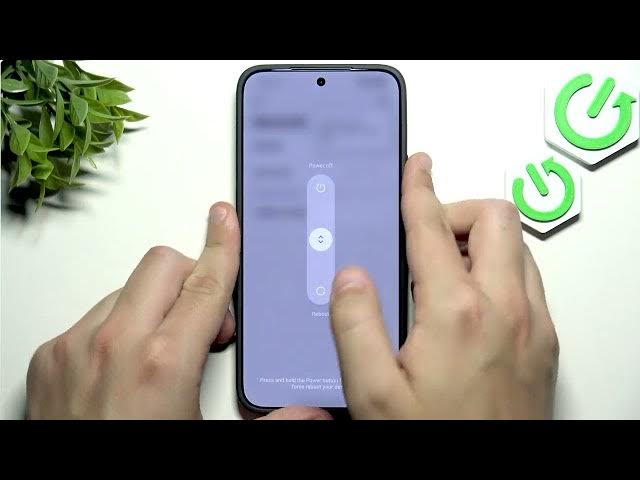
1:31 Restart the device to clear system glitches
1:55 Check HyperOS / Software update for fixes
2:25 Outro and final tips
#Xiaomi17TPro #SpeakerFix #PhoneAudio #HyperOS
Find out more:
https://www.hardreset.info/devices/xiaomi/xiaomi-17t-pro/speaker-not-working-how-to-fix/
Show More Show Less #Science