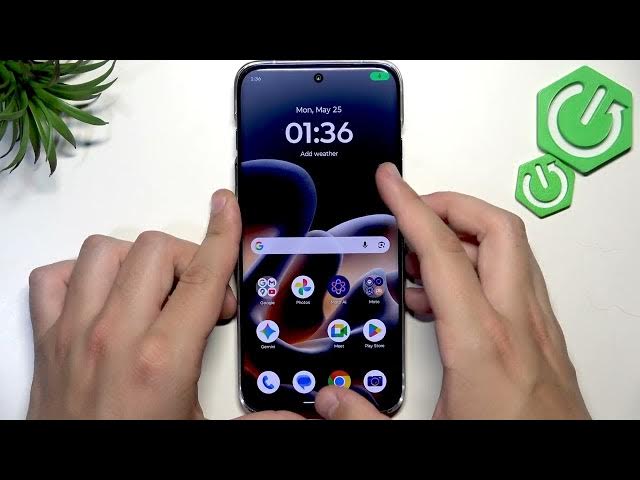

MOTOROLA Edge 70 Pro – Fix No Sound During Calls
Jun 14, 2026

In this video I show simple, quick steps to fix no sound during calls on your MOTOROLA Edge 70 Pro. You will learn how to check and raise call volume in Settings → Sound & vibration, test a call and use the hardware volume buttons, disable Bluetooth to rule out a connected headset, clean the earpiece, restart the phone, and reset mobile network settings. These checks fix most call audio problems and are easy to follow even if you are not a tech expert. Follow each step and test calls or apps (WhatsApp, etc.) to confirm the sound is restored on your Edge 70 Pro.
How to fix no sound during calls on MOTOROLA Edge 70 Pro?
How to reset mobile network settings on MOTOROLA Edge 70 Pro?
How to turn off Bluetooth on MOTOROLA Edge 70 Pro to fix call audio?
0:00 Intro and problem overview
0:08 Open Settings and go to Sound & vibration — increase Call volume
0:46 Make a test call and use the volume up button
0:52 Disable Bluetooth to rule out connected devices
1:19 Clean the earpiece with a soft brush
1:44 Restart the phone (power + volume) and retest
2:03 Reset mobile network settings (Settings → System → Reset options)
2:36 Final test and wrap up
#Motorola #Edge70Pro #NoSound #CallFix
Find out more:
https://www.hardreset.info/devices/motorola/motorola-edge-70-pro/no-sound-during-calls-fix/
Show More Show Less #Science