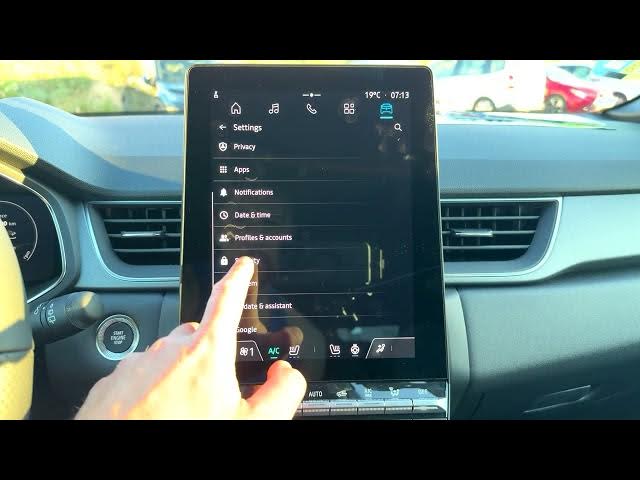

Renault Captur – How to Check Security Update
Jun 5, 2026

In this short video I show how to check the security update on a Renault Captur. You will learn how to open the home screen, go to Apps → Settings → Security → Security update, read the Android version and security patch date, and run a manual check for updates. This helps you confirm the system is up to date and see when the last successful check happened (example shows Android 12 and a November 1, 2024 security patch).
How to check security update on Renault Captur?
How to check Android security patch date on Renault Captur?
How to manually check for system updates on Renault Captur?
0:00 Intro — what we will check
0:05 Open home screen and tap Apps
0:15 Scroll and open Settings
0:21 Tap Security
0:30 Select Security update
0:41 View Android version and security patch date
1:10 Tap "Check for update" and verify result
#RenaultCaptur #SecurityUpdate #CarSoftwareUpdate #Android12
Find out more:
https://www.hardreset.info/devices/renault/renault-captur/
Follow us on Instagram ► https://www.instagram.com/hardreset.info
Show More Show Less #Science