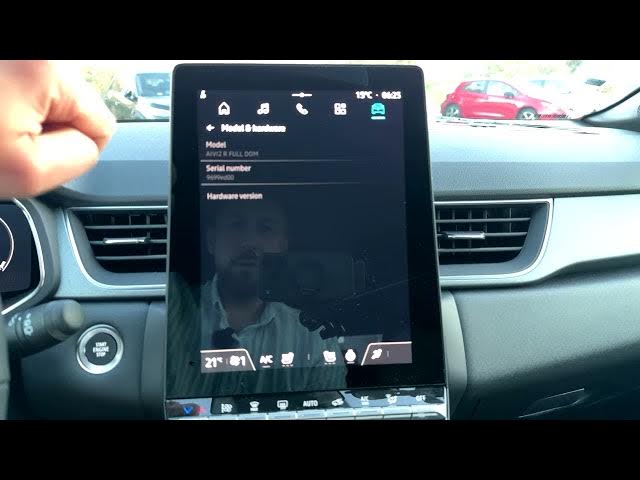

Renault Captur – How to Check Android Version
Jun 5, 2026

In this short video I show how to check the Android version on a Renault Captur infotainment system. From the home screen tap the Apps button, scroll to Settings, open System and select About. The Android version is visible right away (Android 12 in this example). Tapping About gives more details like the Android security patch level (Nov 1, 2024), kernel version, build number, Bluetooth address, serial number and the VIN/Win number. This quick walkthrough helps when checking for updates, troubleshooting or sharing system info with a dealer.
How to check Android version on Renault Captur?
How to find Android security patch level on Renault Captur infotainment?
Where is the System → About menu on Renault Captur infotainment?
0:00 Intro – what we will check on the Renault Captur
0:05 Open the Home screen and tap the Apps button
0:20 Scroll to Settings and open System
0:30 Open About to see the Android version
0:50 View Android security patch, kernel, build and Bluetooth address
1:08 Find serial number and VIN/Win in system info
1:15 Outro – subscribe and thumbs up
#RenaultCaptur #CarInfotainment #Android12 #HowTo
Find out more:
https://www.hardreset.info/devices/renault/renault-captur/
Follow us on Instagram ► https://www.instagram.com/hardreset.info
Show More Show Less #Science