
Renault Captur – How to Check Infotainment Storage
Jun 5, 2026

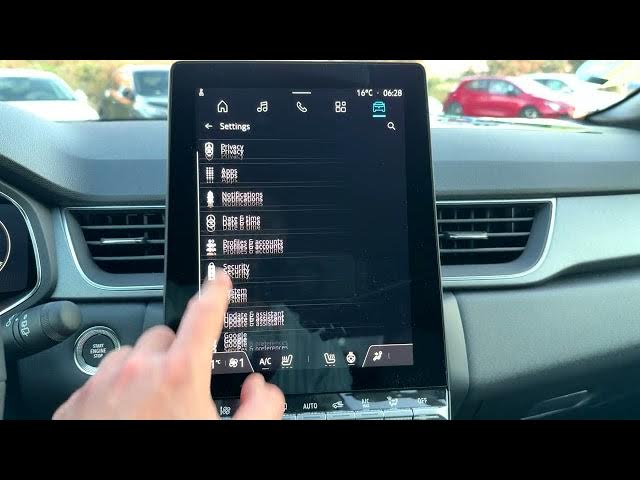
Learn how to check the storage on your Renault Captur infotainment system quickly and easily. In this short video we show where to tap to open Apps, how to enter Settings, select System and then view Storage. You will see a clear breakdown for Music & audio, Apps, Files and System and learn how to check the Android version (Android 12) and available space. These steps work on Captur infotainment units running Android 12 and are perfect if you want to free up space or confirm how much memory your system has available.
How to check storage on Renault Captur infotainment system?
How to view storage usage on Renault Captur Android 12 infotainment?
How to find the storage setting in Renault Captur?
0:00 Start – overview of the process
0:06 Open the Apps icon at the top of the screen
0:17 Tap the gear icon to open Settings
0:26 Scroll and select System
0:30 Choose Storage to see the breakdown (Music, Apps, Files, System)
0:55 Check System info and Android version
1:04 End – recap and subscribe
#RenaultCaptur #Infotainment #CarStorage #CarTech
Find out more:
https://www.hardreset.info/devices/renault/renault-captur/
Follow us on Instagram ► https://www.instagram.com/hardreset.info
Show More Show Less #Science