
MOTOROLA Edge 70 Pro – How to Fix Fingerprint Scanner Not Working
Jun 14, 2026

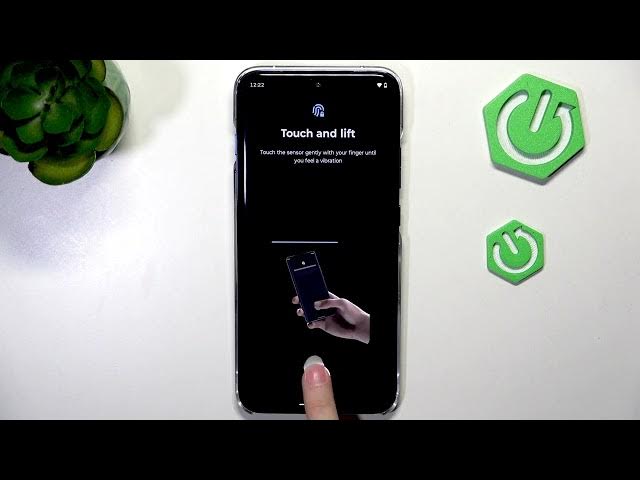
Having trouble with the fingerprint scanner on your MOTOROLA Edge 70 Pro? In this short video we show the fastest, most reliable steps to get fingerprint unlock working again: delete the old fingerprint, re-enroll with full coverage, and clean the display. Follow Settings → Security & privacy → Device unlock → Face and fingerprint unlock and make sure you tap different positions during enrollment for a complete scan. This method fixes most recognition issues and makes the sensor respond consistently.
How to fix fingerprint scanner not working on MOTOROLA Edge 70 Pro?
How to re-enroll fingerprint on MOTOROLA Edge 70 Pro?
How to find Device unlock and fingerprint settings on MOTOROLA Edge 70 Pro?
0:00 Intro – Problem overview
0:07 Open Settings → Security & privacy → Device unlock
0:30 Delete existing fingerprint and re-enroll (tap in different positions)
1:00 Clean screen with microfiber towel and retry
1:29 Wrap up, tips and subscribe
#MotorolaEdge70Pro #FingerprintFix #FingerprintScanner #AndroidTips
Find out more:
https://www.hardreset.info/devices/motorola/motorola-edge-70-pro/
Follow us on Instagram ► https://www.instagram.com/hardreset.info
Like us on Facebook ► https://www.facebook.com/hardresetinfo/
Tweet us on Twitter ► https://twitter.com/HardResetI
Show More Show Less #Science