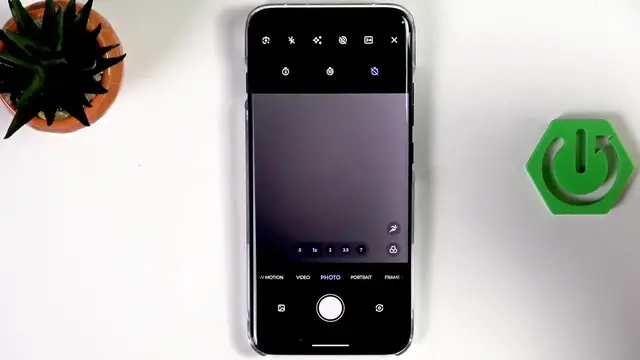

MOTOROLA Edge 70 Pro – How to Set Camera Timer
Jun 10, 2026

Learn how to set and use the camera timer on the MOTOROLA Edge 70 Pro. In this short, easy-to-follow video you will see where the timer is inside the Camera app, how to choose OFF, 3 seconds or 10 seconds delay, how to start the countdown and take hands-free photos. Perfect for selfies, group shots or tripod photos — these simple steps help you avoid blur and get the timing right every time.
How to set the camera timer on MOTOROLA Edge 70 Pro?
How to turn off the camera timer on MOTOROLA Edge 70 Pro?
How to use 3s or 10s timer on MOTOROLA Edge 70 Pro camera?
0:00 Open the Camera app and intro
0:07 Open the options / settings menu
0:23 Locate the Timer setting
0:31 View available options (OFF, 3s, 10s)
0:41 Select 3 or 10 seconds and confirm
1:06 Tap the shutter to start countdown and take a photo
1:14 How to turn off the timer and wrap up
#Motorola #Edge70Pro #CameraTimer #PhotographyTips
Find out more:
https://www.hardreset.info/devices/motorola/motorola-edge-70-pro/camera-timer/
Follow us on Instagram ► https://www.instagram.com/hardreset.info
Show More Show Less #Science