
MOTOROLA Edge 70 Pro – How to Reset Camera Preferences
Jun 9, 2026

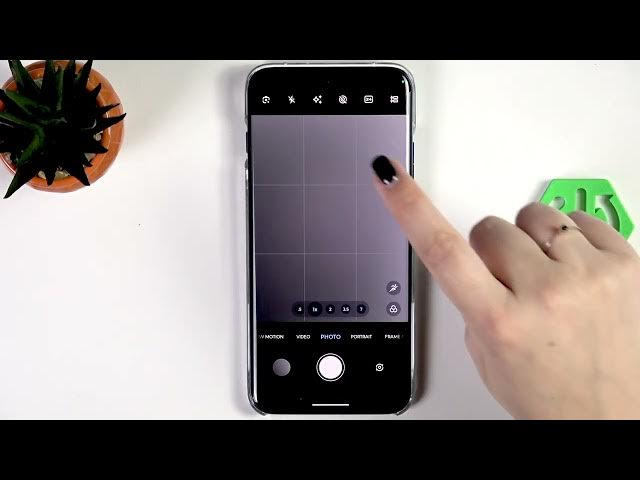
In this short video you will learn how to reset camera preferences on the MOTOROLA Edge 70 Pro. I show each step in the stock Camera app so you can restore default camera settings, remove overlays or custom options, and fix small camera glitches. The video includes a visual proof (green lines applied before recording) so you can see the difference before and after the reset. This method helps when camera options behave oddly or when you want to clear custom settings and return to the original camera configuration on your Edge 70 Pro.
How to reset camera preferences on MOTOROLA Edge 70 Pro?
How to reset camera settings on MOTOROLA Edge 70 Pro?
Where is the Reset option in MOTOROLA Edge 70 Pro camera settings?
0:00 Intro — what we will reset
0:07 Open the Camera app and confirm current mode
0:20 Visual proof: green lines shown before reset
0:31 Tap the options icon → open Settings → scroll to Reset
0:43 Tap Reset and check the camera (green lines removed)
0:51 Outro — subscribe and like for more tips
#MOTOROLA #Edge70Pro #CameraReset #AndroidTips
Find out more:
https://www.hardreset.info/devices/motorola/motorola-edge-70-pro/reset-camera/
Follow us on Instagram ► https://www.instagram.com/hardreset.info
Like us on Facebook ► https://www.facebook.com/hardresetinfo/
Show More Show Less #Science