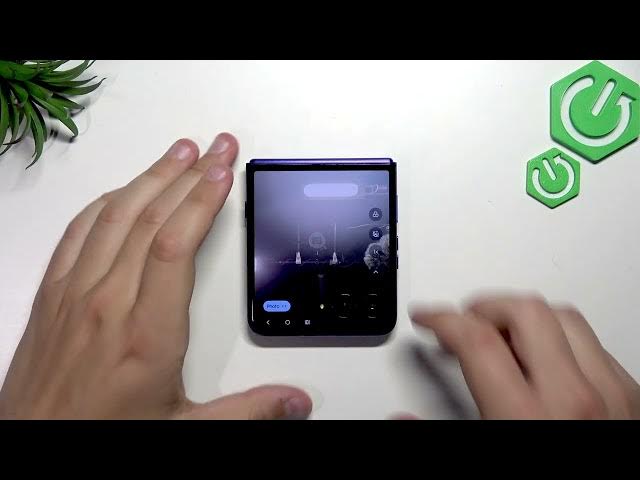

How to Use Cover Screen Camera Viewfinder on MOTOROLA Razr 70 Ultra
Jun 7, 2026

This video shows how to use the cover screen camera viewfinder mode on the MOTOROLA Razr 70 Ultra. You will see how to open the camera from the closed cover screen, frame shots using the external cameras, take pictures with the on-screen shutter or the volume buttons, and understand the limits of switching between front and rear cameras when the phone is folded or fully closed. These simple steps help you capture quick selfies and shots without unfolding the phone and avoid common mistakes like trying to switch to the inner selfie camera when it is not accessible.
How to use the cover screen camera viewfinder on MOTOROLA Razr 70 Ultra?
How to take photos from the cover screen on MOTOROLA Razr 70 Ultra?
Where is the viewfinder mode on MOTOROLA Razr 70 Ultra cover screen?
0:00 Intro – What we’ll show in this video
0:09 Fold the phone and open the camera from the cover screen
0:20 Cover screen viewfinder overview – both external cameras work
0:51 How to take photos – tap the shutter or press any volume button
1:03 Folding limits – when you can and cannot switch to the inner camera
1:55 Quick recap and tips for best results
#MotorolaRazr70Ultra #CoverScreenCamera #RazrCoverViewfinder #FoldablePhoneTips
Find out more:
https://www.hardreset.info/devices/motorola/motorola-razr-70-ultra/
Follow us on Instagram ► https://www.instagram.com/hardreset.info
Like us on Facebook ► https://www.facebook.com/hardresetinfo/
Show More Show Less #Science