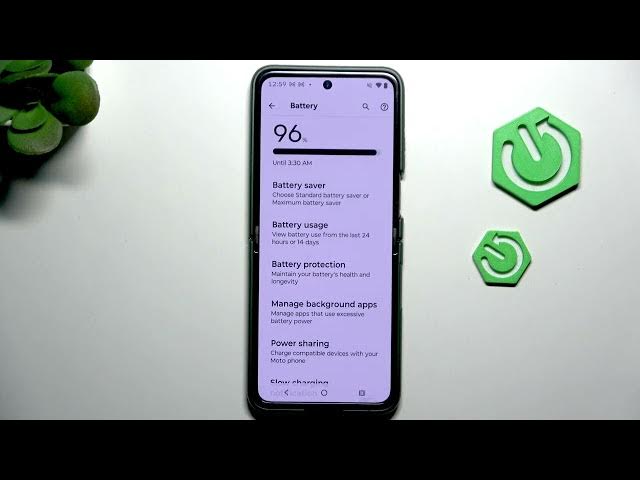

MOTOROLA Razr 70 Plus – Battery Saving Tips & Tricks
Jun 7, 2026

Learn simple, effective battery saving tips and tricks for your MOTOROLA Razr 70 Plus. In this video we show how to open Settings → Battery, enable Battery Saver (and explain Maximum Battery Saver), and manually tweak display and quick settings like brightness, adaptive brightness, dark theme, screen timeout, Wi‑Fi and Bluetooth to get more screen time from your Razr 70 Plus. These easy steps are ideal if you want longer battery life without losing core features and take only a few minutes to apply.
How to save battery on MOTOROLA Razr 70 Plus?
How to enable Battery Saver on MOTOROLA Razr 70 Plus?
How to change display and quick settings to extend battery life on MOTOROLA Razr 70 Plus?
0:00 Introduction — what we'll cover
0:08 Open Settings and go to Battery
0:19 Battery Saver location and overview
0:26 Enable Battery Saver / Maximum Battery Saver explained
0:44 Display settings — lower brightness & adaptive brightness
1:01 Enable Dark theme & shorten Screen timeout
1:07 Disable unused Quick Settings (WiFi, Bluetooth)
1:14 Outro — like & subscribe
#MOTOROLA #Razr70Plus #BatterySaving #BatteryTips
Find out more:
https://www.hardreset.info/devices/motorola/motorola-razr-70-plus/
Show More Show Less #Science