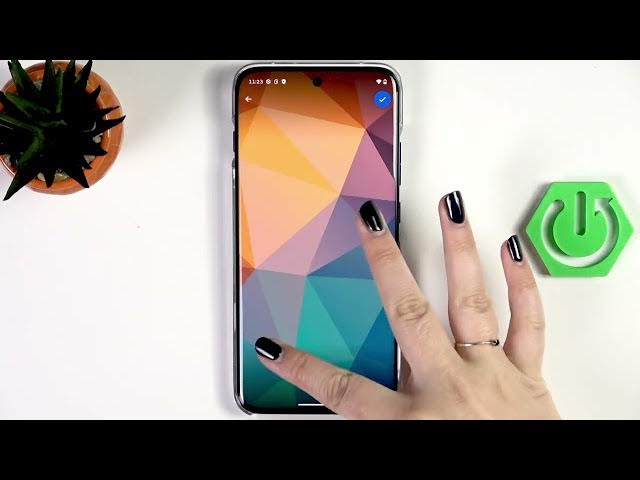

MOTOROLA Edge 70 Pro – How to Change Wallpaper
Jun 10, 2026

Learn how to change the wallpaper on your MOTOROLA Edge 70 Pro step-by-step. This video shows how to use pre-installed curated wallpapers (some require an internet connection and a Motorola account), how to pick images from My Photos (your gallery), how to edit and position the image, and how to apply it to the home screen, lock screen or both. You will also see where to find the Personalize setting and how to grant gallery permissions so the phone can access your photos.
How to change wallpaper on MOTOROLA Edge 70 Pro?
How to set different wallpapers for lock screen and home screen on MOTOROLA Edge 70 Pro?
How to use curated or gallery wallpapers on MOTOROLA Edge 70 Pro?
0:00 Intro
0:06 Check internet for pre-installed wallpapers
0:31 Open Settings → Personalize
0:41 Preview current wallpaper & choose album
1:12 Open Curated → More wallpapers
1:26 Select My Photos / Allow gallery permissions
1:41 Edit, position and scale the wallpaper
2:17 Choose Home, Lock or Both and tap Set
2:46 Wallpaper applied / Wrap up
#MOTOROLA #Edge70Pro #ChangeWallpaper #WallpaperTips
Find out more:
https://www.hardreset.info/devices/motorola/motorola-edge-70-pro/change-wallpaper/
Show More Show Less #Science