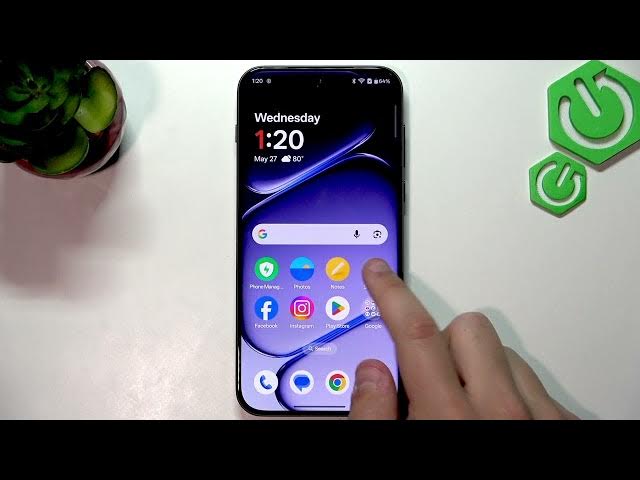

OnePlus Nord 6 – How to Fix Fingerprint Sensor Not Working
Jun 7, 2026

In this video I show simple, fast steps to fix the fingerprint sensor not working on your OnePlus Nord 6. You will learn how to clean the in-screen fingerprint area, properly re-register your fingerprint in Settings, check for a too-thick screen protector, and update software if needed. These troubleshooting steps fix most problems where the fingerprint reader misses parts of your finger, is slow, or fails to unlock the phone.
How to fix fingerprint sensor not working on OnePlus Nord 6?
How to re-register fingerprint on OnePlus Nord 6?
How to fix OnePlus Nord 6 fingerprint issues caused by a screen protector?
0:00 Intro – Fingerprint not working
0:09 Clean the fingerprint sensor with a microfiber cloth
0:27 Where the sensor is on the home screen
0:35 Open Settings → Security & privacy → Device unlock
0:56 Delete old fingerprint and add a new fingerprint
1:28 Tips: remove or replace a thick screen protector
1:59 Check Software update in Settings → System & update
2:23 Final test and wrap up
#OnePlusNord6 #FingerprintFix #OnePlus #AndroidTips
Find out more:
https://www.hardreset.info/devices/oneplus/oneplus-nord-6/fingerprint-sensor-not-working-fix/
Show More Show Less #Science