
MOTOROLA Moto G87 – How to Adjust Display Settings
Jun 10, 2026

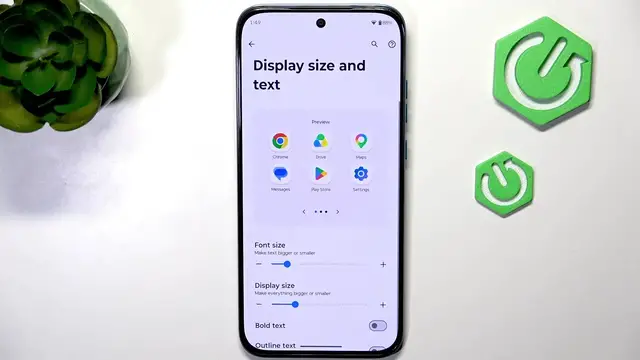
In this video we walk through the main display settings on the MOTOROLA Moto G87 so you can customize brightness, text size, refresh rate and eye protection for the best viewing experience. Learn how to set adaptive brightness, change display and font size (including bold text), pick between Smart, Hypersmooth or Efficiency refresh modes, and enable/schedule Eye Protection for night use. These quick steps help improve readability and balance smoothness with battery life on your Moto G87.
How to change display brightness on MOTOROLA Moto G87?
How to change refresh rate on MOTOROLA Moto G87?
How to enable eye protection on MOTOROLA Moto G87?
0:00 Introduction
0:07 Open Settings → Display and adjust brightness (Adaptive)
0:24 Change display size and text, enable bold or outline text
0:36 Select refresh rate: Smart, Hypersmooth or Efficiency first
0:50 Turn on Eye Protection, set intensity and schedule
1:06 Outro
#MOTOROLAMotoG87 #MotoG87 #Motorola #DisplaySettings
Find out more:
https://www.hardreset.info/devices/motorola/motorola-moto-g87/
Follow us on Instagram ► https://www.instagram.com/hardreset.info
Like us on Facebook ► https://www.facebook.com/hardresetinfo/
Show More Show Less #Science