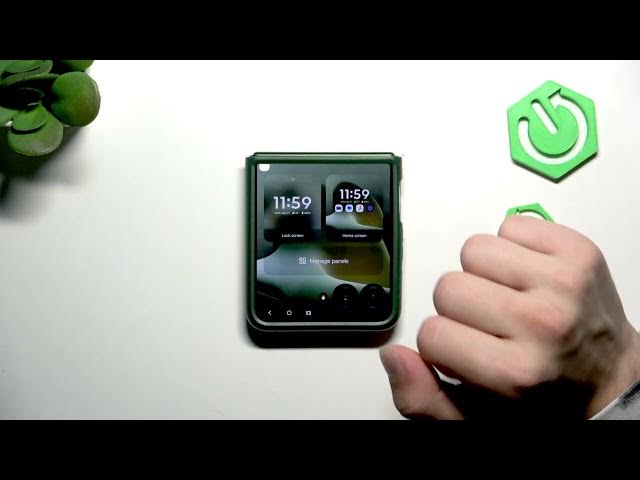

MOTOROLA Razr 70 Plus – How to Customize the Cover Screen
Jun 7, 2026

This video shows a full step-by-step guide to customize the cover screen on the MOTOROLA Razr 70 Plus. You will learn how to open the cover display, access Lock Screen, Home Screen and Manage Panels, allow permissions, change the cover background to your photos, edit the clock style and color, and apply themes for a personalized foldable phone look. Follow these simple on-screen steps to quickly set wallpaper, change the clock, and enable themes on your Razr 70 Plus cover screen.
How to customize the cover screen on MOTOROLA Razr 70 Plus?
How to change the clock style on MOTOROLA Razr 70 Plus cover screen?
How to set a photo as cover screen wallpaper on MOTOROLA Razr 70 Plus?
0:00 Intro – what we will customize
0:08 Fold phone and open cover screen (long press + swipe up)
0:27 Access Lock Screen, Home Screen and Manage Panels
0:34 Enter Home Screen customization menu
0:40 Use buttons to change options and start customization
0:48 Allow files & permissions for wallpapers
0:56 Change background to your photos
1:00 Change clock style and color
1:05 Apply themes & finish
#Motorola #Razr70Plus #CoverScreen #Customization
Find out more:
https://www.hardreset.info/devices/motorola/motorola-razr-70-plus/
Show More Show Less #Science