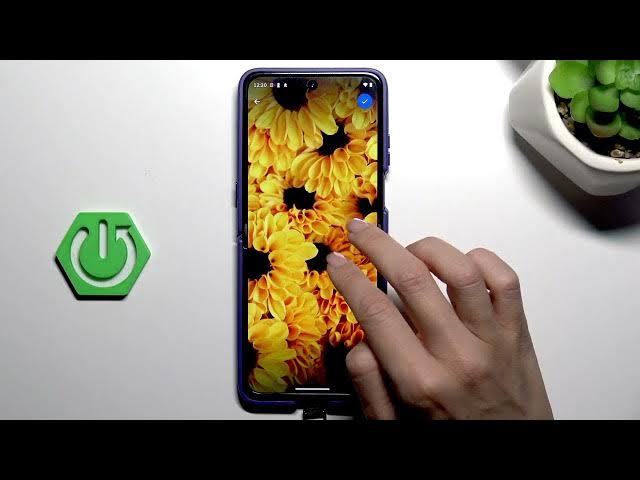

MOTOROLA Razr 70 Ultra – How to Change Wallpaper
Jun 7, 2026

In this quick step-by-step demo I show how to change the wallpaper on MOTOROLA Razr 70 Ultra. You will learn how to open Settings, go to Personalize → Wallpaper, choose an album (Photos, Live/dynamic, or preloaded images), set wallpapers for Home and Lock screen, and confirm the change. This method is fast and works for new Razr 70 Ultra users who want to customize their foldable display without extra apps.
How to change wallpaper on MOTOROLA Razr 70 Ultra?
How to set lock screen wallpaper on MOTOROLA Razr 70 Ultra?
Where is the Wallpaper setting on MOTOROLA Razr 70 Ultra?
0:00 Introduction
0:06 Open Settings and go to Personalize
0:21 Select Wallpaper and choose album
0:28 Pick image from Live album
0:42 Customize Home and Lock screens
0:46 Confirm and set wallpaper
0:58 Wallpaper applied
1:06 Outro
#MOTOROLA #Razr70Ultra #Wallpaper #Android
Find out more:
https://www.hardreset.info/devices/motorola/motorola-razr-70-ultra/change-wallpaper/
Show More Show Less #Science