
LENOVO T1 S Pro – How to Rename Robot
Jun 30, 2026

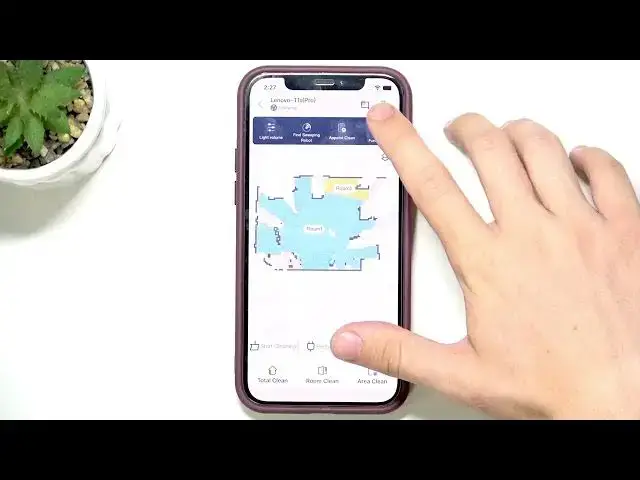
Learn how to quickly rename the robot on your LENOVO T1 S Pro. In this short, clear video you will see every tap: open the top-right menu button, go to More functions, select Device name, type the new name you want and confirm. Renaming the robot makes it easier to identify in the app, when connecting multiple devices, or when using voice assistants. This quick walkthrough is aimed at beginners and shows the exact menu path so you can finish in seconds.
How to rename robot on LENOVO T1 S Pro?
How to change device name on LENOVO T1 S Pro robot?
Where is the Device name setting on LENOVO T1 S Pro?
0:00 Intro and overview
0:05 Tap the top-right button to open the menu
0:10 Open More functions
0:15 Select Device name
0:20 Enter the new name and confirm
0:25 Check the new name in the app
#LenovoT1SPro #Lenovo #RobotRename #HowTo
Find out more:
https://www.hardreset.info/devices/lenovo/lenovo-t1-s-pro/
Follow us on Instagram ► https://www.instagram.com/hardreset.info
Like us on Facebook ► https://www.facebook.com/hardresetinfo/
Show More Show Less #Science