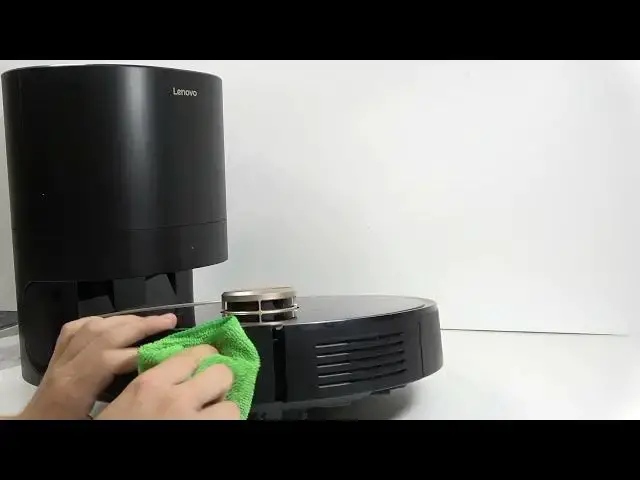

LENOVO T1 S Pro – How to Clean Sensors and Drop Detectors
Jun 30, 2026

In this video we show how to clean all sensors and drop detectors on the LENOVO T1 S Pro robot vacuum. You will learn what tools to use (microfiber cloth, isopropyl alcohol or water), how to safely remove the robot from its station and pause it, and the exact spots to wipe: front sensors, side sensors, bottom sensors, charging contacts and cliff (drop) sensors. Regular cleaning prevents navigation errors and false drops and keeps your LENOVO T1 S Pro working reliably.
How to clean sensors on LENOVO T1 S Pro?
How to clean drop detectors on LENOVO T1 S Pro?
Where are the cliff sensors on LENOVO T1 S Pro?
0:00 Intro – what we will clean and why
0:09 Tools – microfiber cloth, isopropyl alcohol or water
0:36 Remove robot from station and pause it
0:43 Clean front sensor
0:54 Clean side sensors
0:59 Clean bottom sensors and charging contacts
1:20 Clean cliff (drop) sensors and final check
1:39 Outro and tips
#LenovoT1SPro #RobotVacuum #SensorCleaning #CliffSensors
Find out more:
https://www.hardreset.info/devices/lenovo/lenovo-t1-s-pro/
Show More Show Less #Science