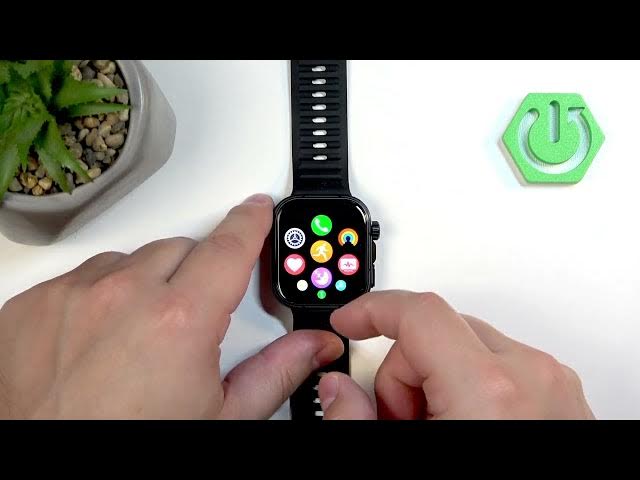

HUAWEI Watch Fit 5 Pro – How to Change Screen Brightness
Jun 10, 2026

In this short video you will learn how to adjust the screen brightness on the HUAWEI Watch Fit 5 Pro. We show how to use the quick panel brightness slider, explain the meaning of the sun icon with the "A" (auto adjust), and how to turn off automatic brightness so your chosen level stays fixed. This guide covers both quick temporary changes from the quick panel and the permanent manual setting in Settings → Display & brightness so you can improve visibility or save battery.
How to change screen brightness on HUAWEI Watch Fit 5 Pro?
How to disable auto adjust brightness on HUAWEI Watch Fit 5 Pro?
Where is the brightness slider on HUAWEI Watch Fit 5 Pro?
0:00 Intro – What we'll show
0:10 Wake the watch, press the crown and open the quick panel
0:10 Use the brightness slider in the quick panel to raise or lower brightness
0:31 What the sun icon with "A" means (automatic brightness)
0:51 Disable Auto Adjust: Settings → Display & brightness → Auto adjust brightness
1:15 Manually set brightness and use quick panel slider afterward
1:31 Outro – Like and subscribe
#HUAWEI #WatchFit5Pro #Brightness #Smartwatch
Find out more:
https://www.hardreset.info/devices/huawei/huawei-watch-fit-5-pro/change-screen-brightness/
Follow us on Instagram ► https://www.instagram.com/hardreset.info
Show More Show Less #Science