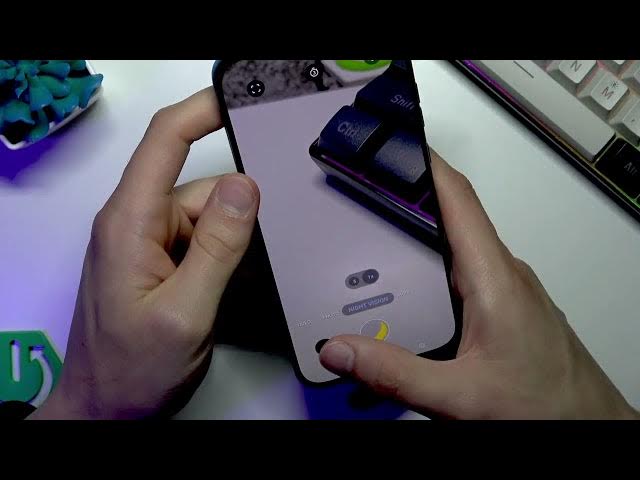

Moto G87 5G — How to Use Night Vision Camera Mode
Jun 3, 2026

In this video I show how to use the Night Vision camera mode on the MOTOROLA Moto G87 5G. You will learn how to open the Camera app, how Night Vision may appear as an automatic suggestion in dim scenes, and how to select it from the More menu. I also demonstrate shot technique (hold the phone steady, choose a dim but not pitch-black scene), show the software processing time, and compare photos taken with and without Night Vision so you can judge the real low-light results on the Moto G87.
How to use Night Vision Camera Mode on MOTOROLA Moto G87 5G?
How to enable Night Vision on Motorola Moto G87 camera app?
How to take better low-light photos with the Moto G87 5G?
0:00 Welcome and what Night Vision mode does
0:07 Open Camera app and automatic Night Vision suggestion
0:27 Select Night Vision from More on the mode bar
0:33 Tips for steady shots and waiting for software processing
1:16 Demo: photo without Night Vision vs with Night Vision
2:18 Results, limitations and final verdict on Moto G87 Night Vision
#Motorola #MotoG87 #NightVision #LowLightPhotography
Find out more:
https://www.hardreset.info/devices/motorola/motorola-moto-g87/
Follow us on Instagram ► https://www.instagram.com/hardreset.info
Like us on Facebook ► https://www.facebook.com/hardresetinfo/
Show More Show Less #Science