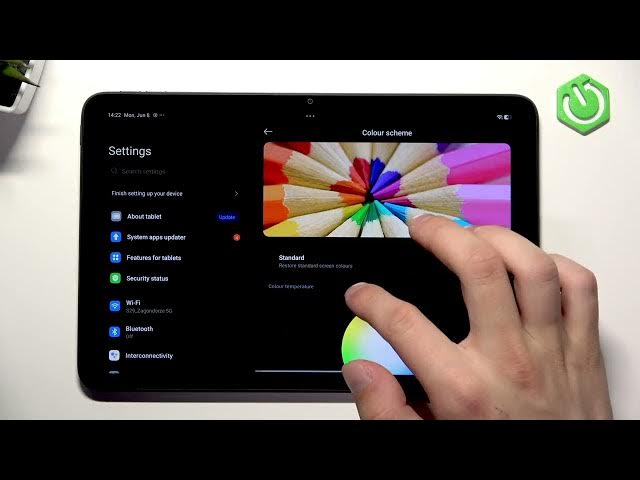

REDMI Pad 2 4G – How to Set Up Eye Comfort Display
Jun 9, 2026

In this short video I show how to set up the Eye Comfort (Reading Mode) on the REDMI Pad 2 4G so your eyes feel less strain during reading and night use. You will learn where to find Display & Brightness settings, how to enable dark mode, schedule Reading Mode, choose between Cycle and Classic modes to reduce blue light, adjust color scheme, set a smooth refresh rate, and change fonts like Mi Sans. This walkthrough is fast and clear, perfect for new REDMI Pad 2 4G owners or anyone wanting to improve reading comfort and screen settings.
How to enable Eye Comfort Display on REDMI Pad 2 4G?
How to schedule Reading Mode on REDMI Pad 2 4G?
How to find Eye Comfort / Reading Mode in REDMI Pad 2 4G settings?
0:00 Intro – what we will change
0:09 Open Settings → Display & Brightness
0:22 Enable Dark Mode and adjust brightness
0:32 Reading Mode – enable or schedule
0:41 Cycle vs Classic – automatic color vs warmer tones
0:57 Color Scheme – Vivid or Standard
1:13 Refresh Rate – set custom for smoother display
1:24 Font settings – switch to Mi Sans and change size
1:39 Outro and like/subscribe
#REDMI #RedmiPad2 #EyeComfort #ReadingMode
Find out more:
https://www.hardreset.info/devices/redmi/redmi-pad-2-4g/
Show More Show Less #Science