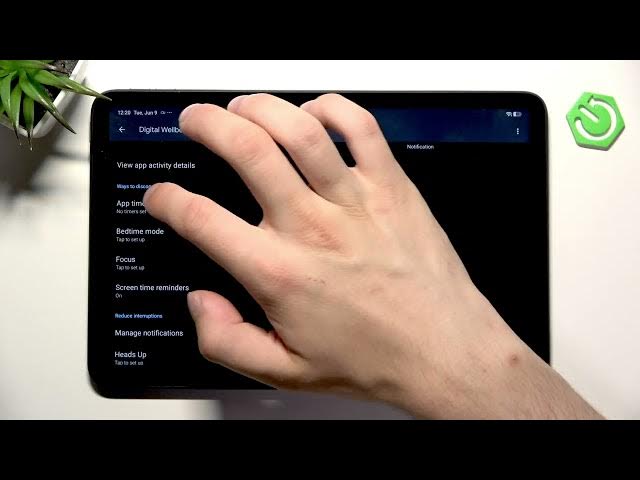

REDMI Pad 2 4G – How to Manage Screen Time
Jun 10, 2026

In this short video you'll learn how to manage screen time on the REDMI Pad 2 4G using the built-in Digital Wellbeing & Parental Control. We'll show how to open Settings, find Digital Wellbeing, enable screen time reminders, set app timers for individual apps, use Bedtime Focus and manage notifications. This simple guide helps parents and users limit app use, track daily habits and reduce distractions on the REDMI Pad 2 4G.
How to manage screen time on REDMI Pad 2 4G?
How to set app timers on REDMI Pad 2 4G?
How to enable screen time reminders on REDMI Pad 2 4G?
0:00 Introduction
0:07 Open Settings & go to Digital Wellbeing & Parental Control
0:22 Overview: App timers, screen time reminders, Bedtime Focus
0:40 Turn on screen time reminders
0:50 Set app timers for individual apps
1:04 Wrap up and tips
#REDMIPad2 #ScreenTime #DigitalWellbeing #ParentalControl
Find out more:
https://www.hardreset.info/devices/redmi/redmi-pad-2-4g/
Follow us on Instagram ► https://www.instagram.com/hardreset.info
Like us on Facebook ► https://www.facebook.com/hardresetinfo/
Show More Show Less #Science