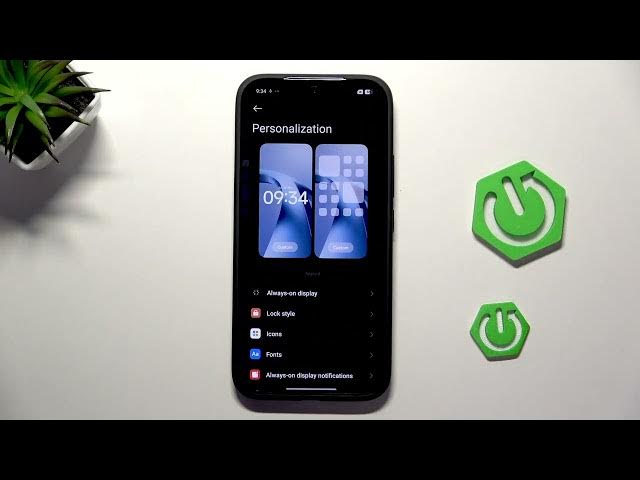

XIAOMI 17T – How to Improve Battery Life
Jun 9, 2026

In this short video I show easy steps to improve battery life on the XIAOMI 17T. You will learn how to change battery modes (Balanced, Battery saver, Ultra), run the built-in battery checkup, enable dark mode, lower screen brightness, disable Always on Display, shorten screen sleep, turn off Raise to Wake and disable unused connections to extend daily runtime. These simple settings help you get more hours from a single charge without complicated tweaks.
How to improve battery life on XIAOMI 17T?
How to enable Battery Saver on XIAOMI 17T?
How to disable Always on Display on XIAOMI 17T?
0:00 Introduction
0:05 Open Settings → Battery
0:22 Choose battery mode: Balanced, Battery saver, Ultra battery
0:49 Use Battery checkup and follow suggestions
1:04 Display: enable Dark mode and lower brightness
1:22 Personalization: disable Always on Display
1:33 Home screen: reduce animation speed; Lock screen: shorten sleep and disable Raise to Wake
2:08 Turn off unused connections: Wi‑Fi, Mobile data, Bluetooth
2:16 Outro and final tips
#XIAOMI17T #BatteryTips #Android #BatterySaver
Find out more:
https://www.hardreset.info/devices/xiaomi/xiaomi-17t/
Show More Show Less #Science