0:00
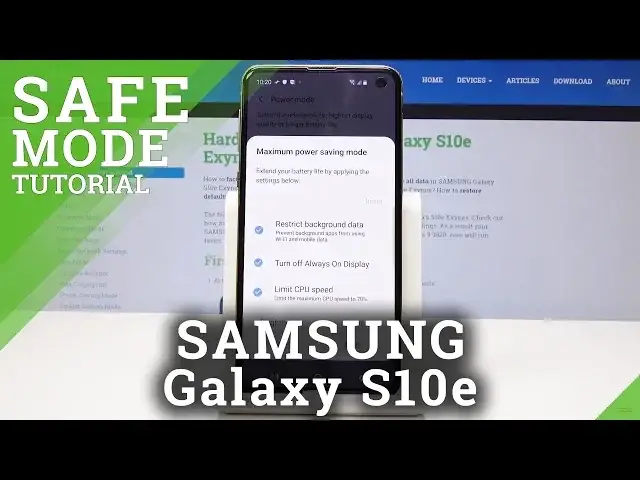
Here I have Samsung Galaxy S10e and let me show you how to activate power saving mode
0:12
on the following device. So at the very beginning, open the list of all applications, swipe twice to open it fully
0:19
and now simply click on battery icon so it's power mode and confirm the solution that you
0:27
would like to apply. So it can be medium power saving mode, you can change the brightness here to decrease
0:32
just to 5%, you can select if it should turn off always on display and tap on apply
0:40
Give your device a few seconds and medium power saving mode will be activated
0:45
And that's it. As you can see, it has been turned on. If you would like to change it, if you would like to personalize it or choose the other
0:52
power saving mode, just open the upper bar one more time and keep holding on power mode
0:57
a bit longer, so for about 3 seconds. Now we are in battery menu in power mode so you can select either optimize so it will
1:05
get the recommended balance of performance and battery life, but it will not save your
1:10
battery at all. Then you have the medium power saving mode so it will extend battery life by limiting
1:16
some functions or you can select the last maximum power saving mode
1:21
It's the very restricted option, but it will definitely save a lot of battery here
1:26
So for some extreme situation, we do recommend maximum power saving mode
1:30
So just click on this one. Now we have to confirm it so just tap on apply
1:34
As you can see, it will decrease the brightness, it will restrict back on data and extend your
1:39
battery life by applying the settings below. So just tap on apply and wait a few seconds
1:47
So you will have the night theme there so the battery is not that tired, let's say
1:56
And here you can see how maximum power saving mode looks like
2:00
Only some apps are available here so actually you can only contact someone by calling them
2:05
or send a message. If you'd like to turn off this mode, this maximum battery saver, just tap on more icon
2:11
which is here and then select turn off maximum power saving mode
2:17
Give your device a while to switch off. It will turn on always on display
2:23
It will decrease and actually increase the brightness and as you can see it has been
2:28
turned off so you are back in the standard mode. So that's it
2:33
Now you can change it whenever you want, whenever you need to. So once your battery is pretty low, just activate one from the presented options
2:41
Thank you for watching, please subscribe our channel and leave the thumbs up