
VIVO X300 Ultra – How to Fix Battery Drain
Jun 17, 2026

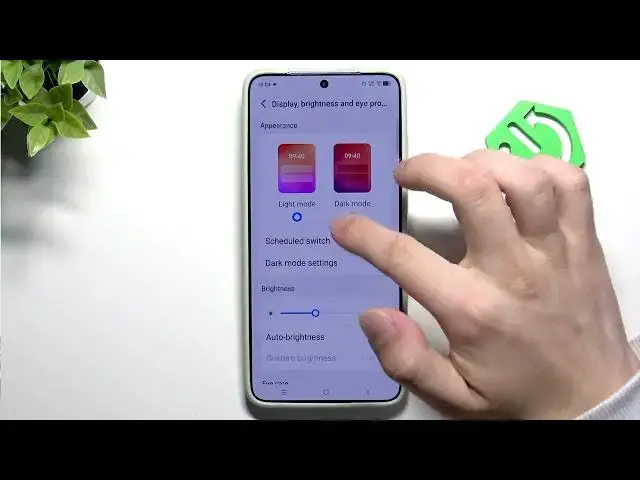
Learn how to fix battery drain on your VIVO X300 Ultra. In this short, clear video we show step-by-step settings you can change to improve battery life: switch to Battery Saver or Super Battery Saver, configure Power Saving Management (auto turn on/off, shorten auto-lock, reduce refresh rate, enable dark theme), and tweak Display settings like dark mode and brightness. These simple adjustments reduce background activity and help your X300 Ultra last longer without losing core functionality.
How to fix battery drain on VIVO X300 Ultra?
How to enable Battery Saver on VIVO X300 Ultra?
How to reduce screen and app battery drain on VIVO X300 Ultra?
0:00 Intro
0:08 Open Settings → Battery
0:19 Battery modes: Battery Saver and Super Battery Saver
0:41 Power saving management: auto turn on/off, shorten auto-lock, reduce refresh rate, dark theme
1:01 Display settings: dark mode, lower brightness, auto-brightness, auto lock
1:28 Disable unused quick settings (Bluetooth, Wi‑Fi) & final tips
#VIVO #VIVOX300Ultra #BatteryDrain #BatteryTips
Find out more:
https://www.hardreset.info/devices/vivo/vivo-x300-ultra/
Follow us on Instagram ► https://www.instagram.com/hardreset.info
Like us on Facebook ► https://www.facebook.com/hardresetinfo/
Show More Show Less #Science