0:00
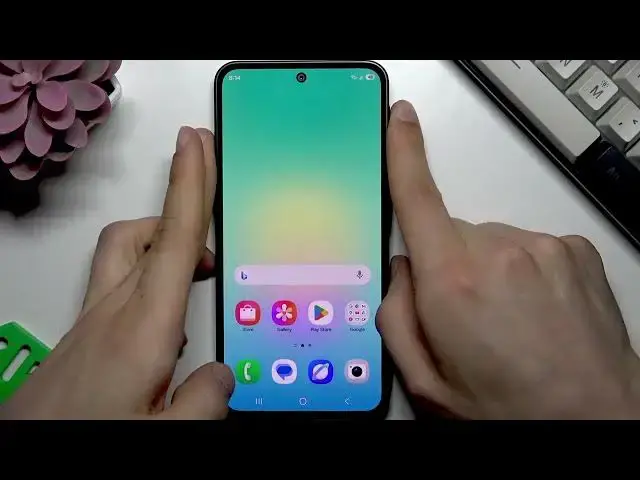
Welcome. In this video, I will show you
0:01
what to do if your fingerprint sensor on
0:03
Samsung Galaxy A17 isn't recognizing
0:06
your fingerprint properly.
0:12
So in such case, let's try re
0:17
our fingerprint and let's try to do it
0:20
better this time. So first of all, go to
0:22
settings, scroll down to security and
0:26
privacy, open this menu. After that,
0:28
you're going to need to go to screen
0:30
lock and biometrics. Enter your pattern
0:33
or password. Go to your fingerprints.
0:36
Remove the previous ones.
0:43
And now before adding a new one, grab a
0:45
piece of a microfiber cloth or just your
0:48
t-shirt cotton and try carefully wiping
0:52
the surface of your power button.
0:58
until it's clean and smooth. And now
1:00
let's select add fingerprint.
1:03
Tap continue. And now what you have to
1:06
do is of course place your finger tip on
1:09
this button. Tap register. And then try
1:13
moving your fingertip around without
1:18
lifting it until this pattern is uh
1:22
filled with green color.
1:27
Okay, tap done when you're ready.
1:31
Uh then you can of course test your
1:33
fingerprint. But first of all, let's
1:35
make sure that this smartphone is
1:39
because most most of the fingerprint
1:48
updates being update outdated basically.
1:51
So, let's go back to settings, software
1:53
update, check for updates.
1:56
Make sure that you have Wi-Fi
1:59
And if your smartphone has an update to
2:01
install, let it do its thing, even if
2:05
takes some time. And after that, restart
2:08
your phone by holding down power button
2:14
and selecting restart
2:17
to reboot your smartphone and apply
2:27
After your smartphone is restarted, uh,
2:29
give it some time to launch, then try to
2:32
lock it and unlock it with your
2:37
Okay? And if you're still having the
2:39
same issue, in order to resolve it, go
2:45
Scroll down to security and privacy.
2:52
Then let's select biometrics.
2:59
Select fingerprints once again. And now
3:01
uh let's once again wipe the surface of
3:07
Tap add new fingerprint without removing
3:10
the first one. Register. And now let's
3:14
add the same fingerprint
3:16
model to our smartphone in the very same
3:19
way. So just place your finger tip and
3:22
move it around the sensor. Tap done. And
3:26
after that, if you lock your phone, even
3:29
if you don't have any issues with your
3:32
unlocking your smartphone, your device
3:34
will still unlock much faster than with
3:37
just one fingerprint registered.
3:41
And this way, you can basically resolve
3:43
your fingerprint issue. Thank you for
3:46
watching this video. If it helped you,
3:47
please consider subscribing to our
3:48
channel. Leave us a like and a comment
3:50
below. And I'll see you in the next one.