
SAMSUNG Galaxy S20 5G (Exynos) – Fix Mobile Data Not Working
Jul 2, 2026

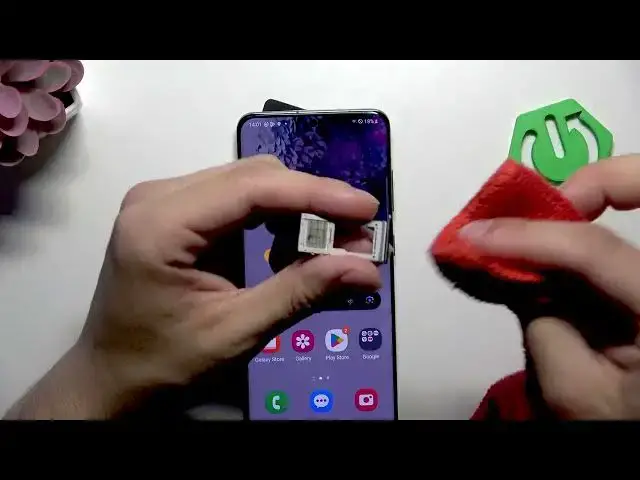
In this short video I'll show quick, practical steps to fix mobile data not working on the SAMSUNG Galaxy S20 5G (Exynos). You will learn how to toggle mobile data, eject the SIM tray, remove and gently clean the SIM card, reinsert it, and retest the connection. These simple checks often restore network service without a factory reset or a carrier visit. Follow each step and test mobile data after reinserting the SIM. This guide is ideal for users facing mobile data or SIM-related issues on Galaxy S20 5G and similar Samsung phones.
How to fix mobile data not working on SAMSUNG Galaxy S20 5G (Exynos)?
How to remove the SIM tray on SAMSUNG Galaxy S20 5G?
How to clean SIM card to restore mobile data on Samsung Galaxy S20 5G?
0:00 Introduction
0:06 Toggle mobile data off and on
0:21 Eject SIM tray (use SIM tool or needle)
0:51 Remove and gently clean the SIM card
1:08 Reinsert SIM and enable mobile data
1:15 Outro and final check
#Samsung #GalaxyS20 #MobileData #NetworkFix
Find out more:
https://www.hardreset.info/devices/samsung/samsung-galaxy-s20-5g-exynos/
Follow us on Instagram ► https://www.instagram.com/hardreset.info
Like us on Facebook ► https://www.facebook.com/hardresetinfo/
Show More Show Less #Science