
How to Stop OnePlus Nord 6 from Overheating
Jun 7, 2026

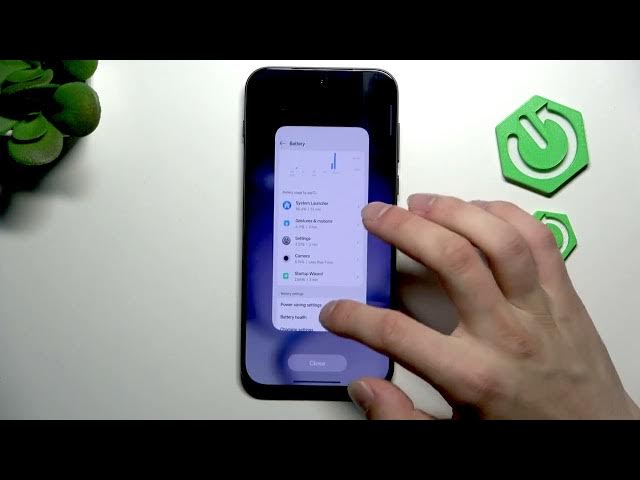
In this short video I show simple, practical steps to stop your OnePlus Nord 6 from getting hot and overheating. You'll learn how to open Settings → Battery, switch from Balanced to Power Saving mode, check battery usage by app and disable heavy apps, avoid extra heat while charging (especially with fast charging), close background apps, disable unused features from Quick Settings, keep the phone in a cool ventilated room, and remove the case to improve cooling. These easy tips help lower temperature, extend battery life and keep performance stable on your OnePlus Nord 6.
How to stop OnePlus Nord 6 from overheating?
How to reduce heat on OnePlus Nord 6 while charging?
How to check which apps cause overheating on OnePlus Nord 6?
0:00 Intro – OnePlus Nord 6 getting hot
0:07 Open Settings and go to Battery
0:19 Switch from Balanced to Power Saving mode
0:27 Check Battery usage by app and disable heavy apps
0:44 Charging tips – fast charging will heat your phone
0:53 Close background apps and disable unused features
1:06 Take off the case and use a ventilated space
1:11 Outro – final tips and reminders
#OnePlusNord6 #OverheatingFix #PhoneTips #BatteryCare
Find out more:
https://www.hardreset.info/devices/oneplus/oneplus-nord-6/
Show More Show Less #Science